
Latest articles
All articles are below. Click a card to open the full article.
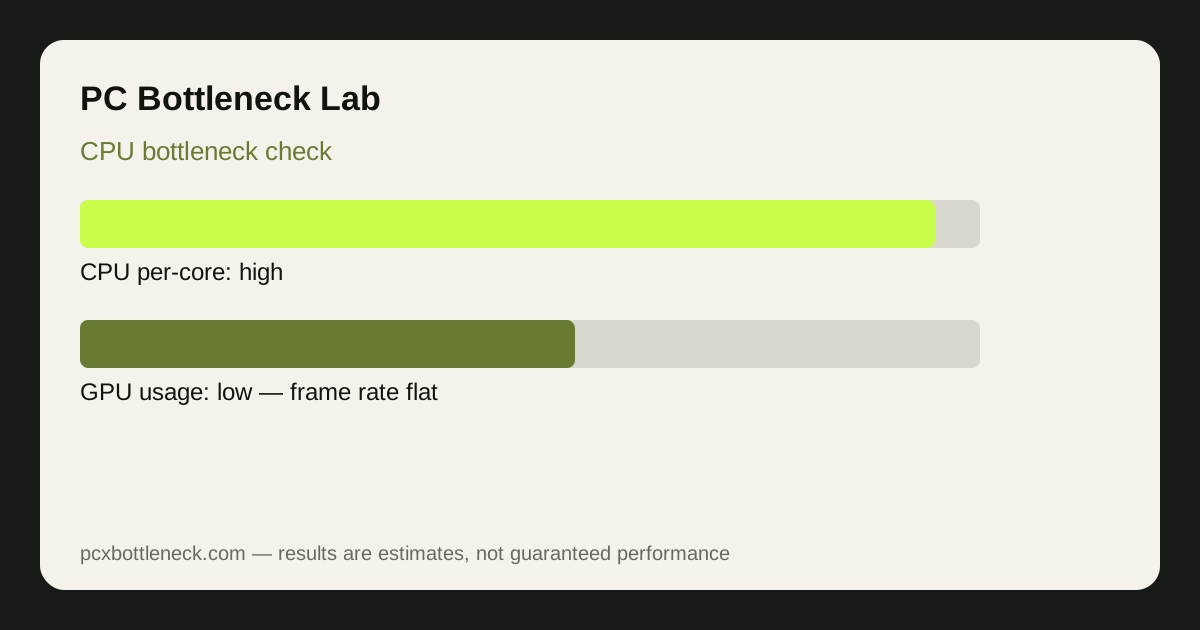 How to Check a CPU Bottleneck in 10 Minutes
MSI Afterburner and PresentMon: what to watch, and how to confirm the result before you upgrade.
Read more →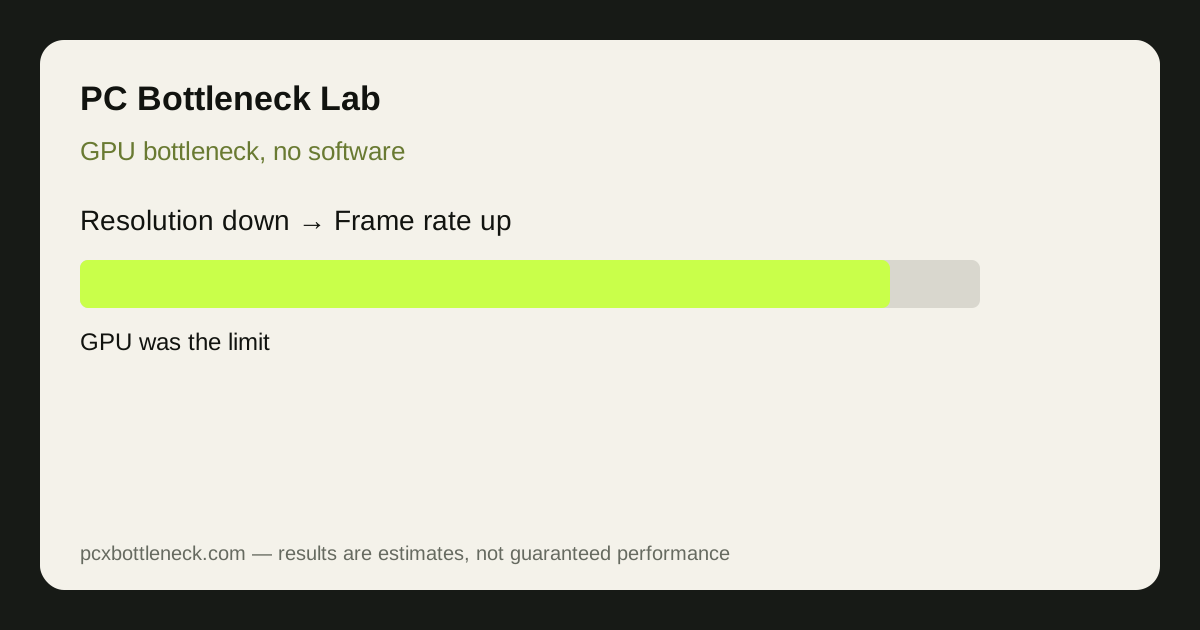 Check a GPU Bottleneck Without Any Software
Windows Task Manager and a simple resolution test, with no downloads needed.
Read more →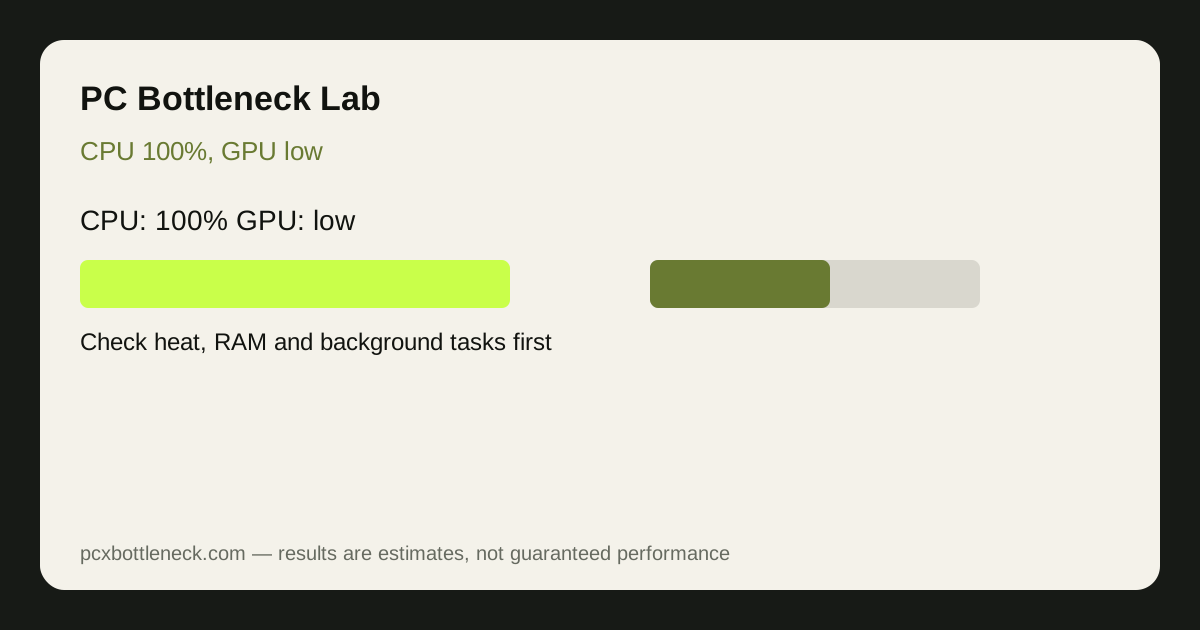 CPU 100%, GPU Low: What It Really Means
Separate a true CPU limit from heat, RAM, background tasks and game design.
Read more → How We Calculate Bottlenecks
Public benchmark data, CPU ceilings, resolution weighting, and the limits you should know.
Read more → CPU Bottlenecks in Esports vs AAA Games
Why one number never fits both: high refresh rates test the CPU, high resolutions test the GPU.
Read more → 3D V-Cache Explained: 7800X3D vs 9800X3D
What extra cache does, when it helps most, and which CPU to choose for your games.
Read more →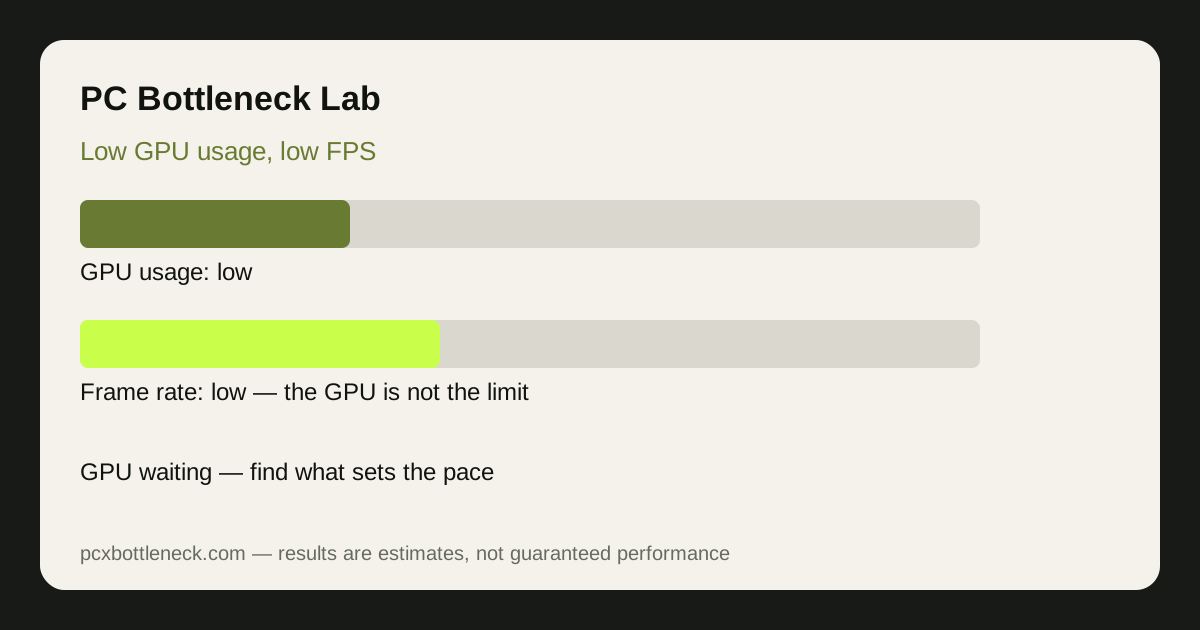 Low GPU Usage, Low FPS: 9 Causes and Fixes
Low GPU usage with low FPS means the card is waiting for work — work through 9 causes, from CPU limits and caps to heat and RAM, in the order that finds the fix fastest.
Read more →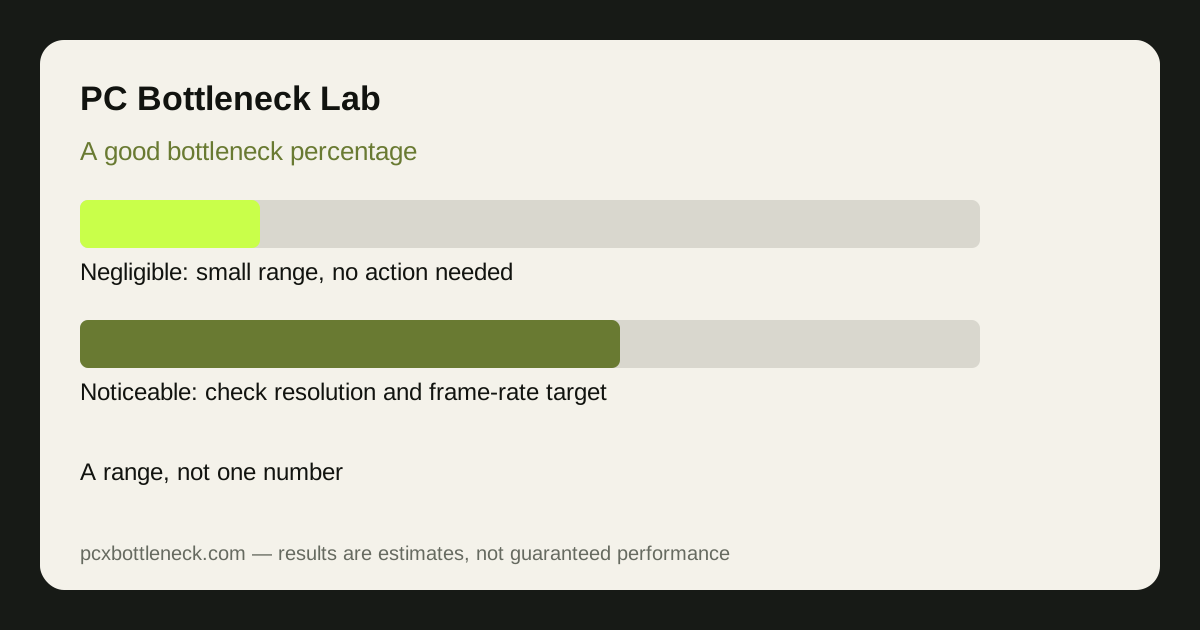 What Is a Good Bottleneck Percentage? Ranges Explained
There is no single good bottleneck percentage — judge any number by resolution, frame-rate target and game type, using ranges from negligible to serious mismatch.
Read more →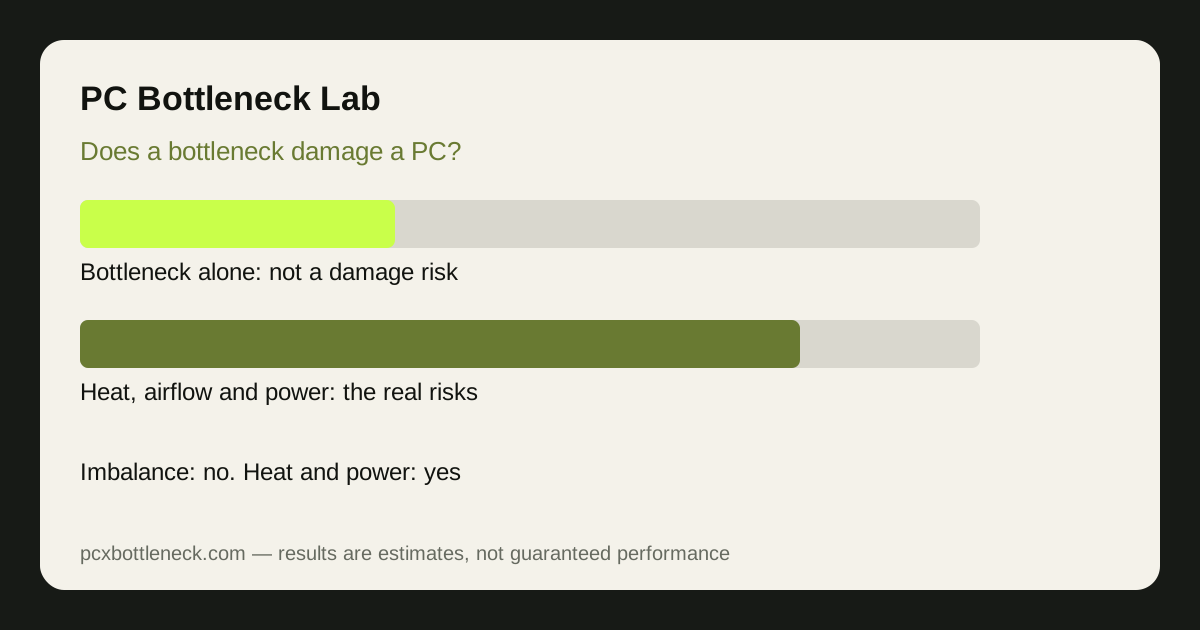 Does a Bottleneck Damage Your PC? The Honest Answer
A bottleneck alone does not damage your PC — heat, poor airflow and a weak power supply are the real risks, and this guide separates the two.
Read more →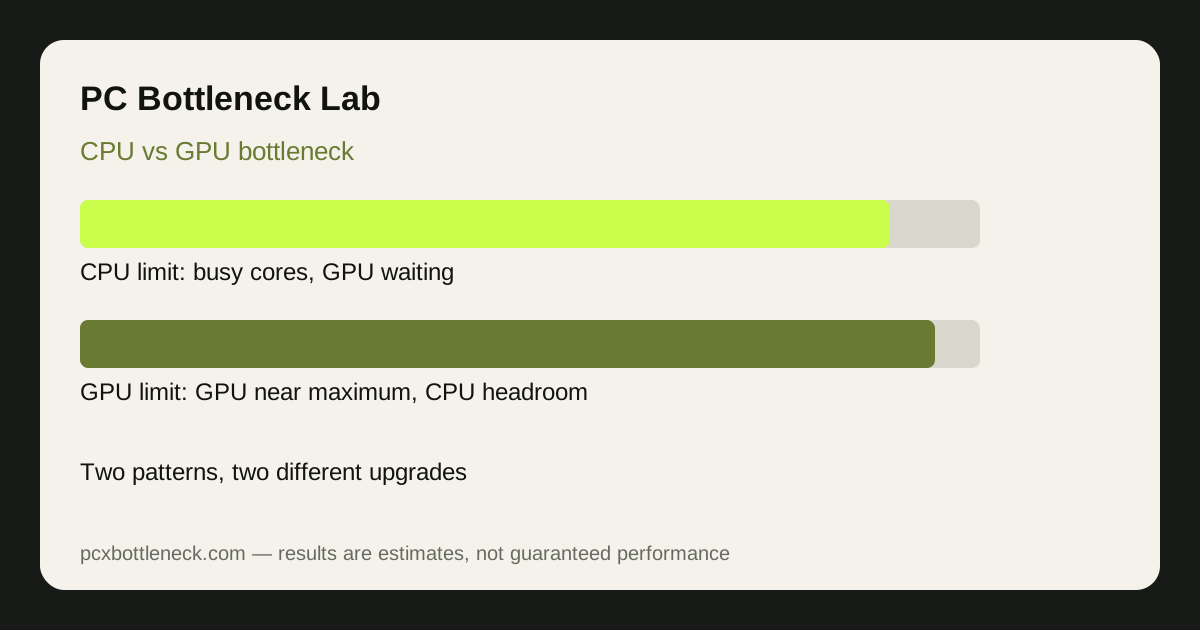 CPU vs GPU Bottleneck: How to Tell Which One You Have
Two tests tell you which part is limiting you — per-core CPU usage and the resolution test — plus the mixed cases where both, or neither, is the answer.
Read more →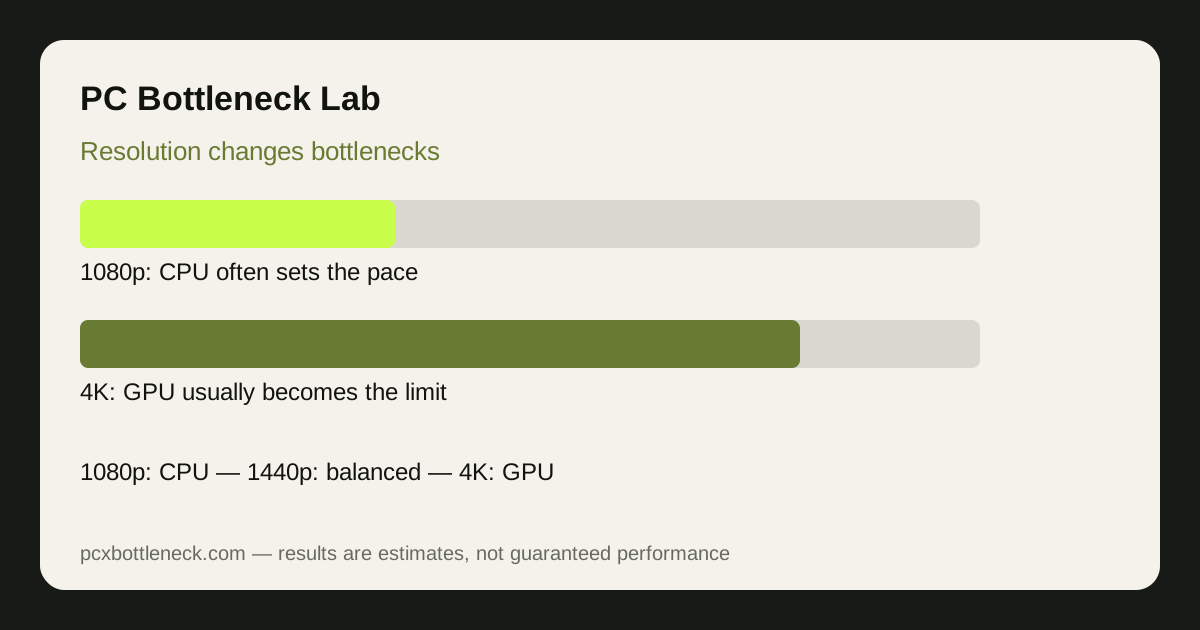 How Resolution Changes Bottlenecks: 1080p vs 1440p vs 4K
The same PC can be CPU-limited at 1080p, balanced at 1440p and GPU-limited at 4K — judge every pairing at the resolution you actually play at.
Read more →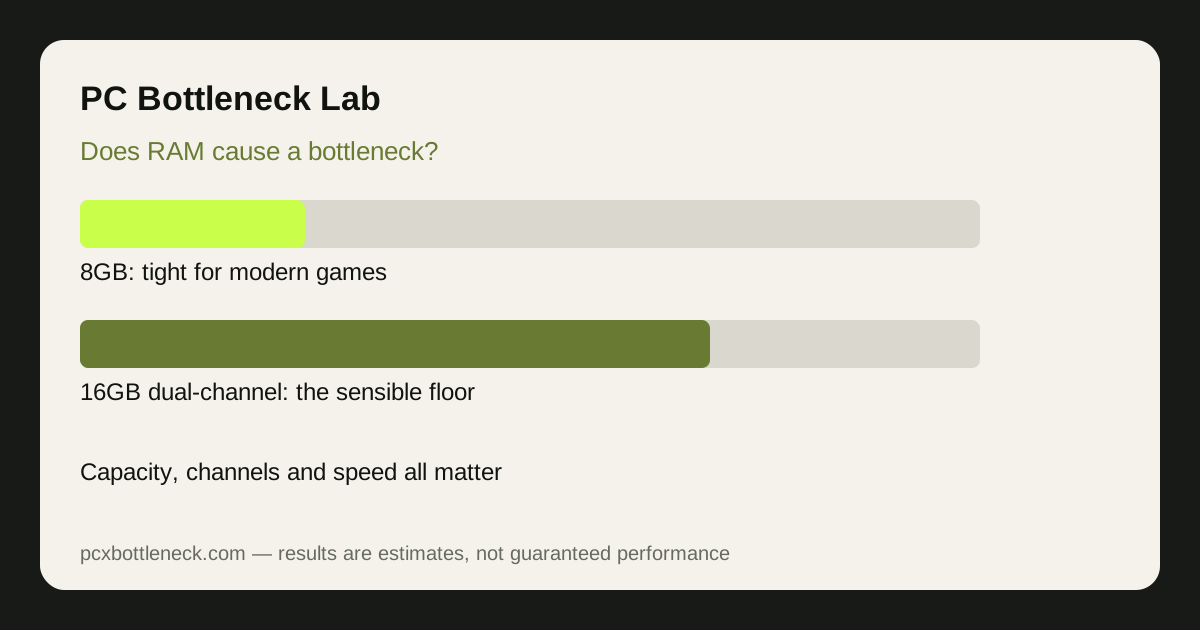 Does RAM Cause a Bottleneck? 8GB vs 16GB vs 32GB
RAM can hold a PC back through capacity, single-channel mode or slow speed — see how 8GB, 16GB and 32GB compare, and how to check your own setup in five minutes.
Read more →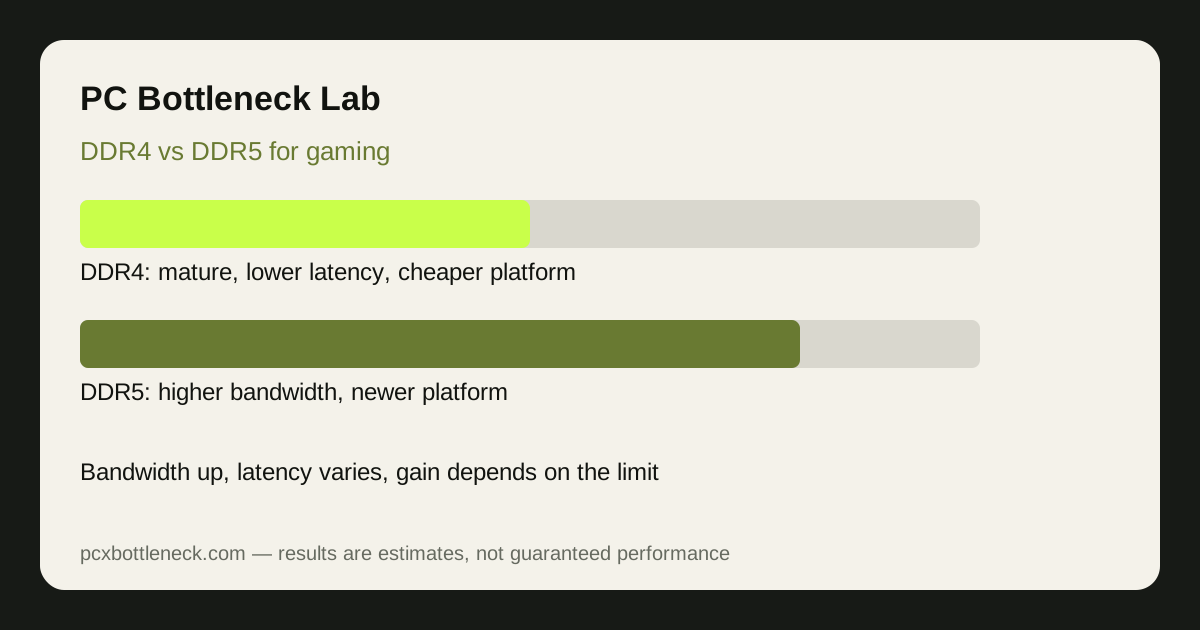 DDR4 vs DDR5 for Gaming: Does RAM Speed Bottleneck Your CPU?
DDR5 offers higher bandwidth than DDR4, but the gaming gain depends on whether your CPU is actually the limit — and a DDR5 move is a platform upgrade, not a stick swap.
Read more →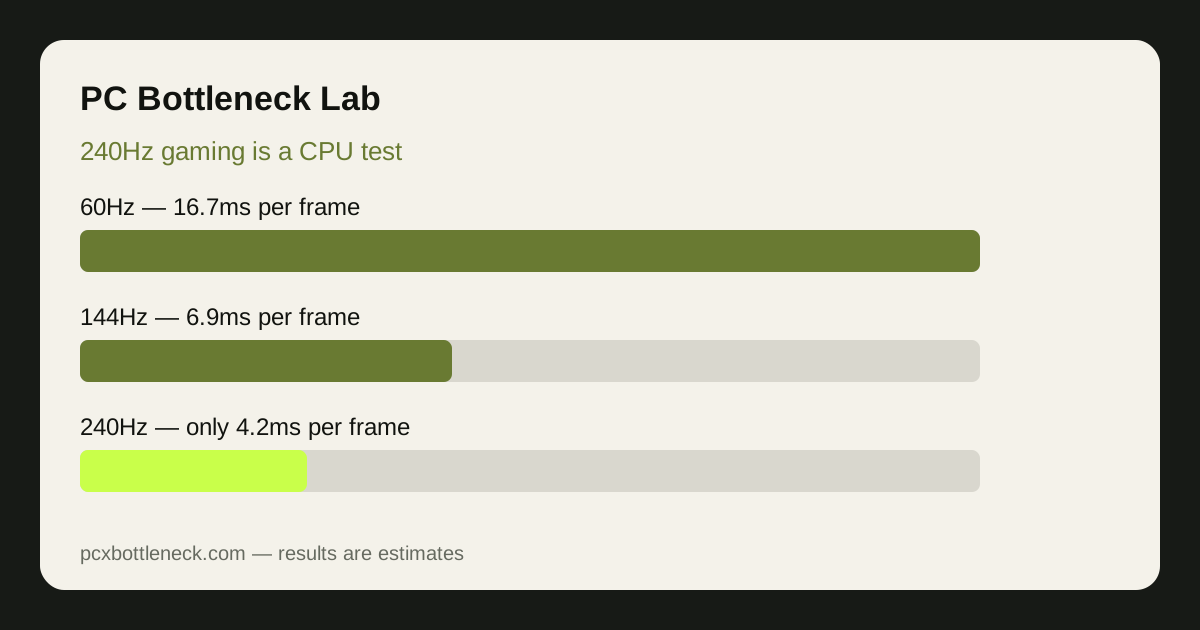 240Hz Gaming Is a CPU Test: Why High-Refresh Needs CPU Headroom
Why 240Hz gaming is mostly a CPU test — the frame-time budget, per-core limits, and the settings that actually help, plus when the GPU still matters.
Read more →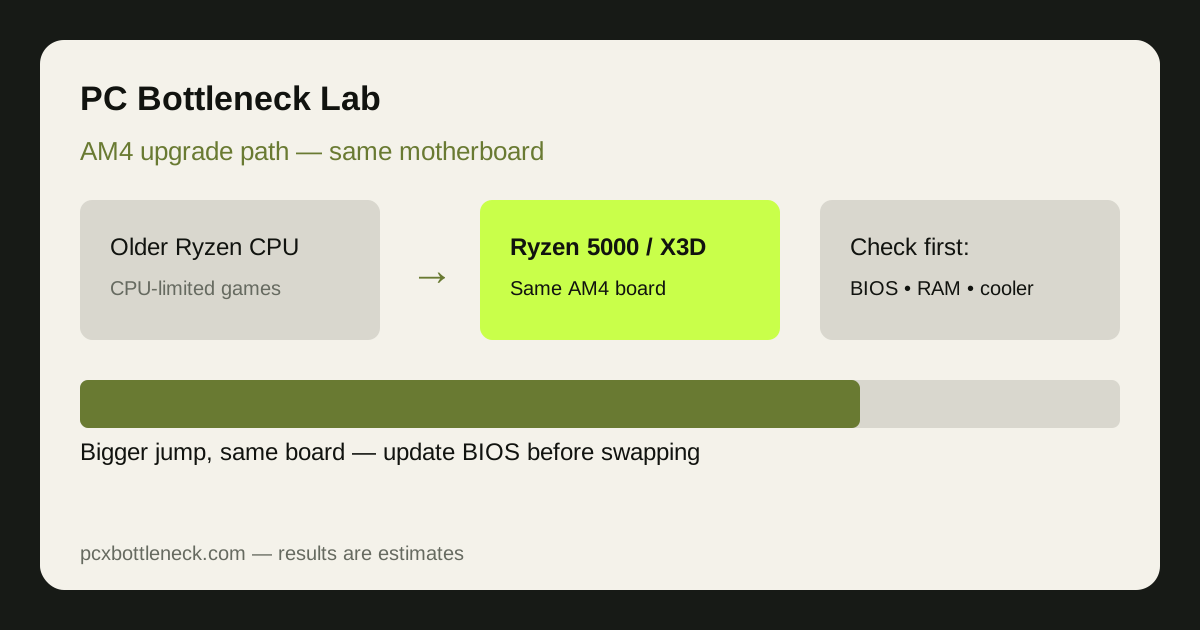 AM4 Upgrade Path in 2026: Best CPU Upgrade Without a New Motherboard
An AM4 upgrade can still pay off in 2026 if your board supports a much stronger Ryzen 5000 or X3D-class CPU — with the BIOS updated first and RAM and cooling checked.
Read more →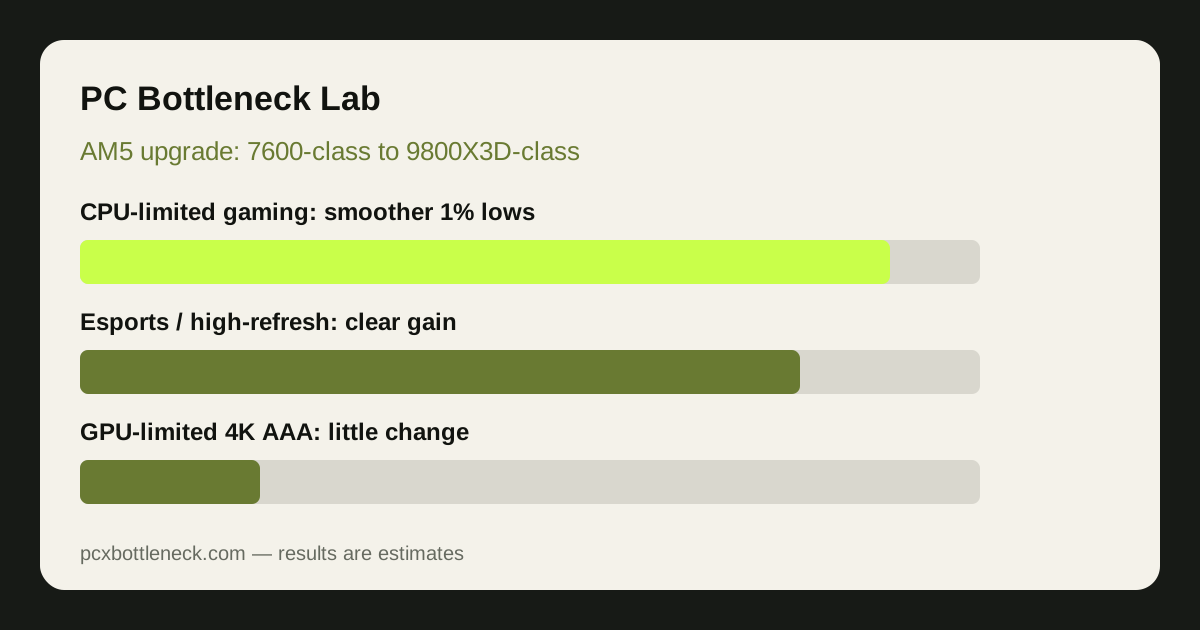 AM5 Upgrade Path: Ryzen 5 7600 to 9800X3D — What Changes and What Does Not
A same-socket AM5 upgrade that sharpens CPU-limited and high-refresh gaming and 1% lows, but will not fix GPU-limited 4K play, VRAM limits, or a 60 Hz monitor.
Read more →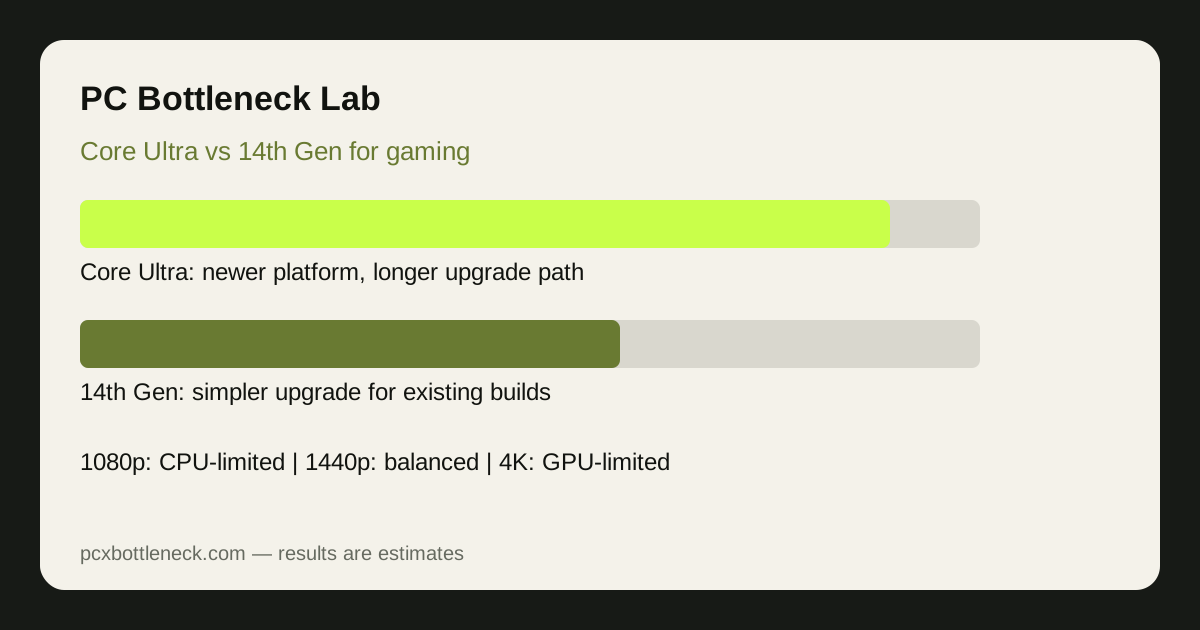 Intel Core Ultra vs 14th Gen for Gaming: Bottleneck and Platform Comparison
Core Ultra is usually the better choice for a new build thanks to its newer platform and longer upgrade path, while 14th Gen still makes sense for an existing compatible PC.
Read more →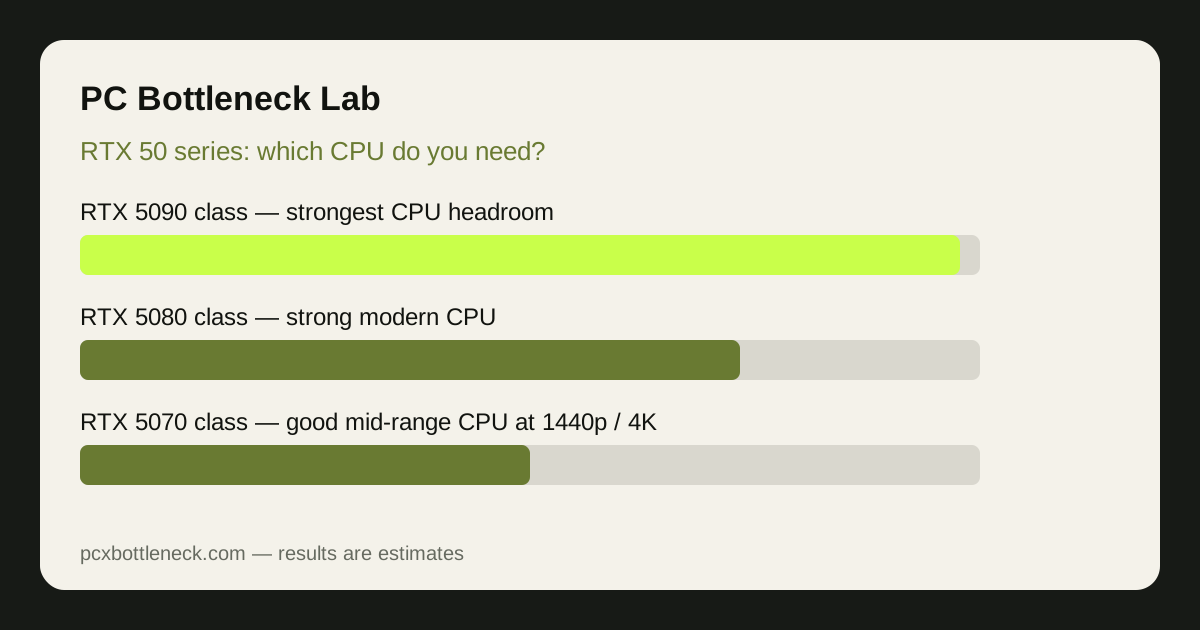 RTX 50 Series: Which CPU Do You Need for a 5090, 5080 and 5070?
Pair a 5090 with flagship CPU headroom, a 5080 with a strong modern CPU, and a 5070 with a good mid-range CPU — with your resolution and refresh-rate target deciding how much headroom matters.
Read more →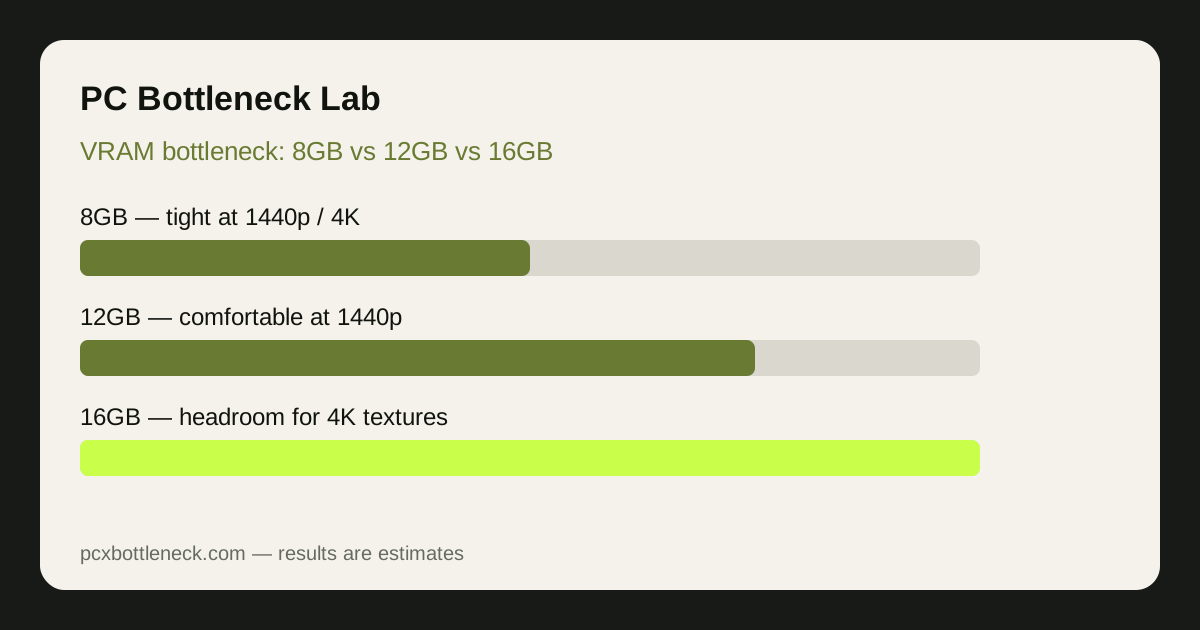 VRAM Bottleneck Explained: 8GB vs 12GB vs 16GB in 2026 Games
Learn how a VRAM shortage causes stutter and late-loading textures rather than smooth low frame rates, and how 8GB, 12GB and 16GB compare at 1080p, 1440p and 4K.
Read more →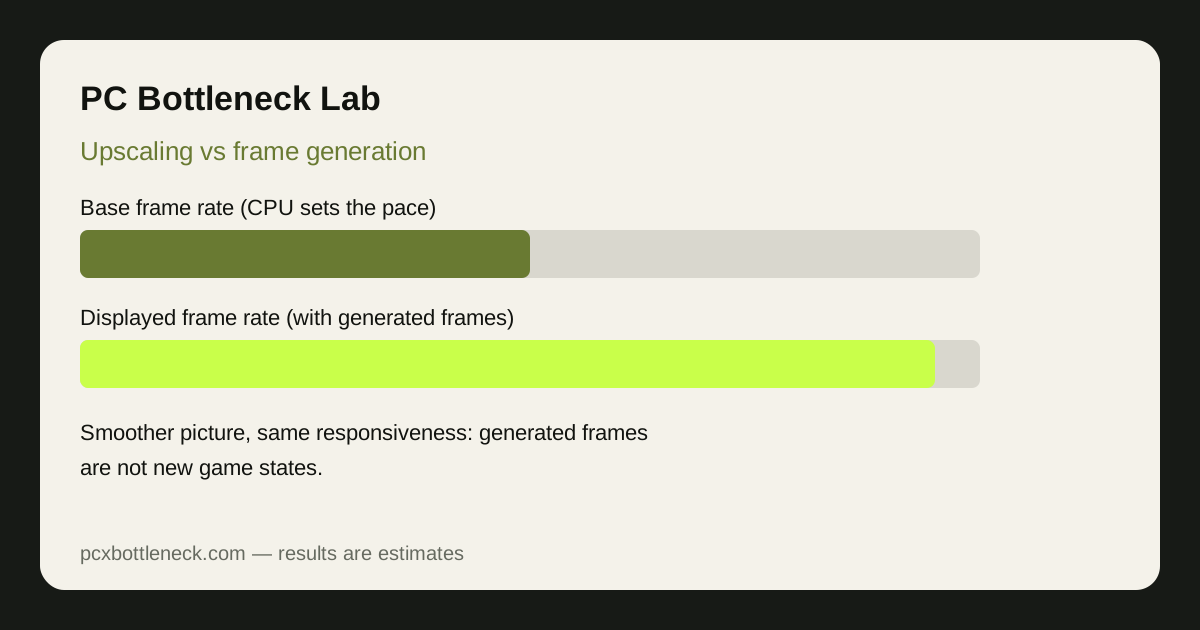 DLSS, FSR and Frame Generation: Do They Fix a CPU Bottleneck or Hide It?
Upscaling can expose a CPU bottleneck and frame generation only smooths over one — learn when each helps, and how to judge a PC by its base frame rate, not the displayed number.
Read more → RTX 50 Super Preview: What to Watch at CES 2027
A CES 2027 watchlist for RTX 50 Super — memory, power, price tier and resolution — so readers can judge the real cards by balance, not branding. Preview: not yet launched.
Read more → Zen 6 on AM5 Preview: What CES 2027 Needs to Confirm
The AM5 questions that decide a Zen 6 upgrade — board support, BIOS, cooling and memory — plus where a new CPU would actually help. Preview: not yet launched.
Read more → Intel Nova Lake Preview: What to Watch at CES 2027
The platform questions behind a Nova Lake upgrade — socket, chipset, cooler fit and DDR5 — and how gaming vs productivity gains would differ. Preview: not yet launched.
Read more → Most Balanced PC Builds for January 2027
Three balanced builds by resolution — 1080p high refresh, 1440p all-round and 4K — with the RAM, power and monitor checks builders forget.
Read more →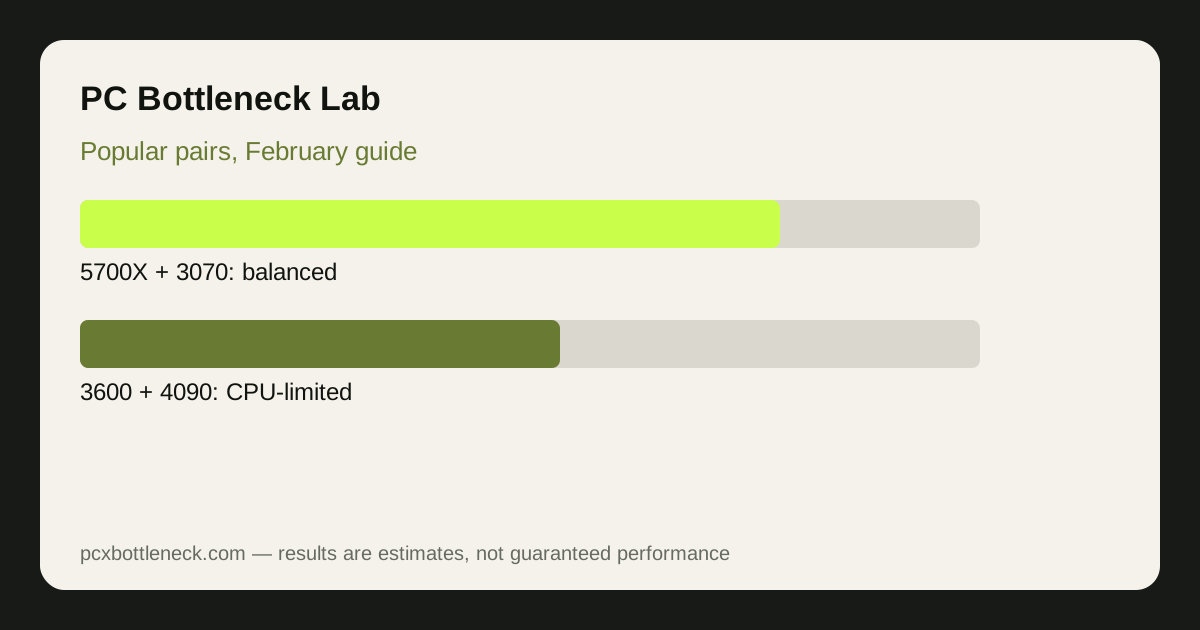 Popular CPU-GPU Pairs and Their Bottlenecks: February Guide
Four pairings readers search for most, judged by resolution — 5700X + 3070, 3600 + 4090, 3600 + 2070 and 9800X3D + 5070 — and what limits each.
Read more → Best Balanced CPU-GPU Pair Under $600
Three pairings inside a $600 CPU-plus-GPU budget range, with the split, hidden costs and first-upgrade logic that protect a budget build.
Read more → Spring 2027 Upgrade Guide: CPU or GPU First?
Diagnose first, then choose — when a CPU upgrade helps, when a GPU upgrade helps, and the cheap RAM, cooling and background-task fixes to try before either.
Read more → Bottleneck Index Explained: How the Quarterly Update Works
What the Bottleneck Index measures, how it is built from a fixed pairing set, and how to read a quarterly update — an explainer, not a data release.
Read more →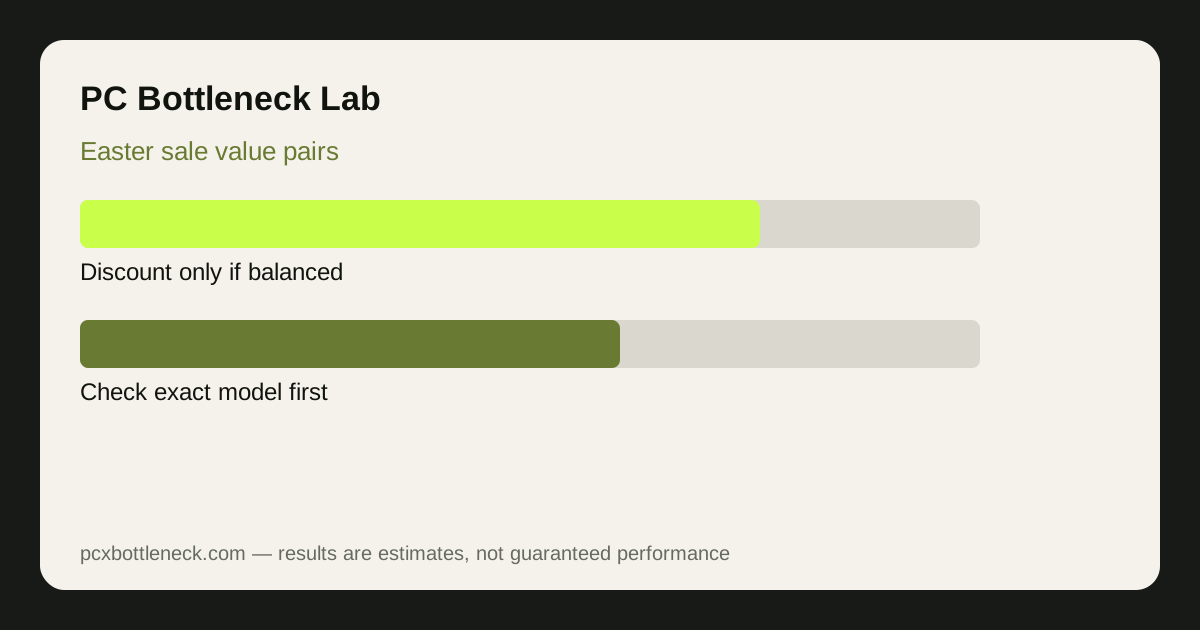 Best Value CPU-GPU Pairs for Easter Sale Builds
Three value pairings by class, the sale traps that waste a discount (old stock, low-memory variants, weak bundles), and a checkout checklist.
Read more →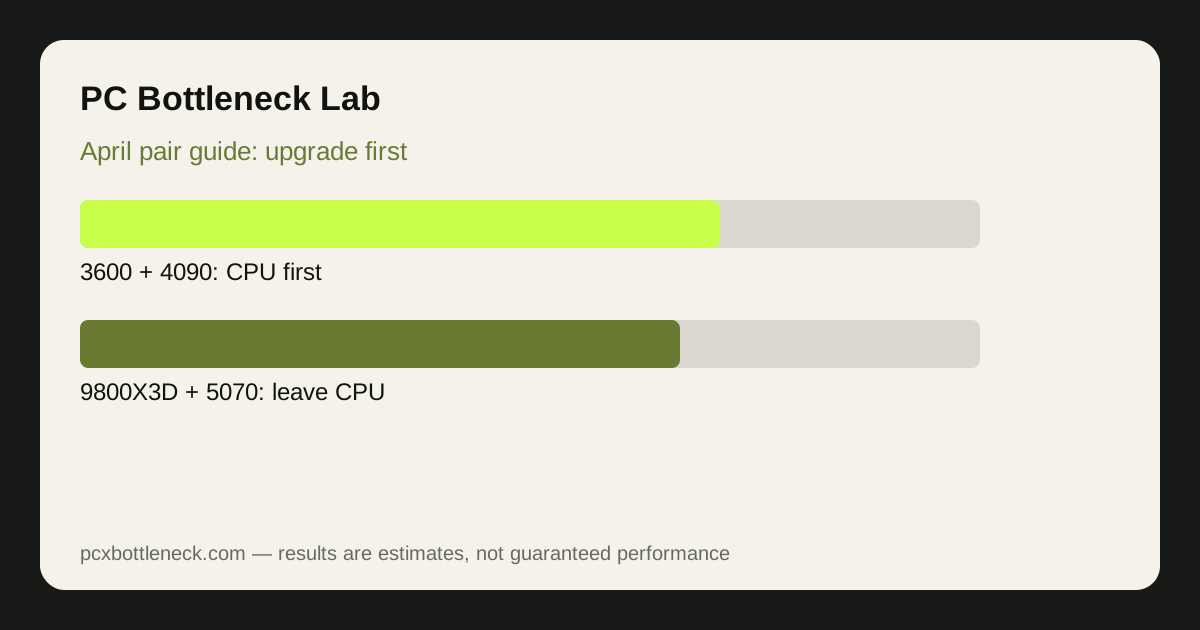 April CPU-GPU Pair Guide: Which Upgrade Makes Sense First
The same four popular pairings judged as upgrade decisions — which part to upgrade first, which to leave alone, and which pairing needs a platform decision.
Read more →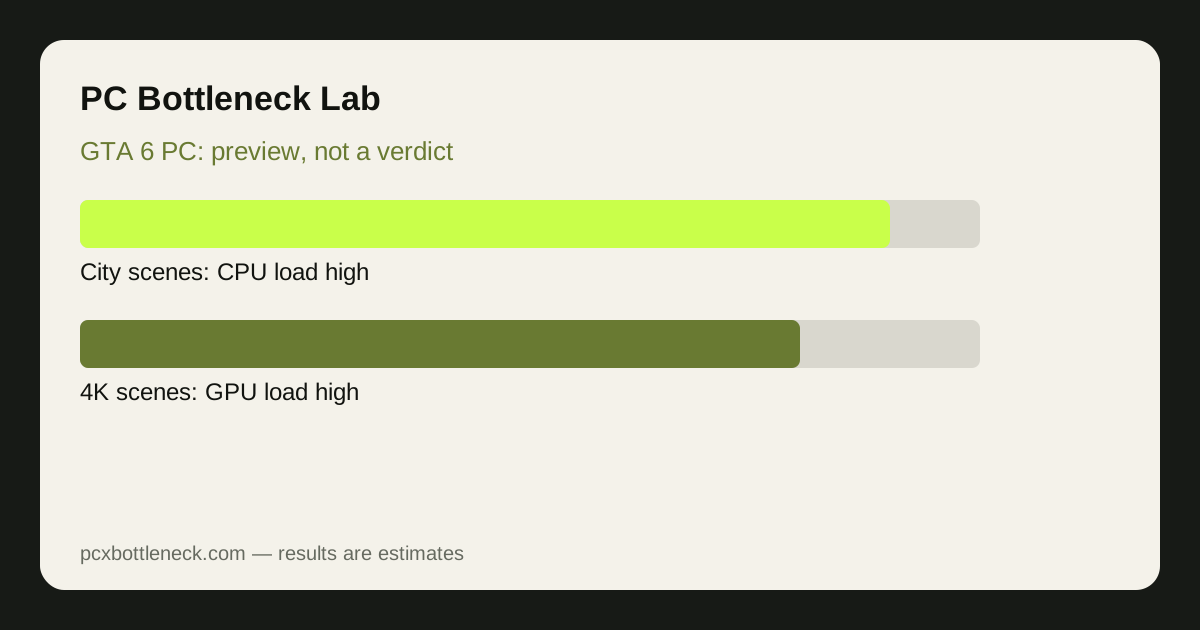 GTA 6 on PC: Can I Run It? CPU and GPU Bottleneck Preview
A clearly labelled preview explaining where a CPU or GPU limit is most likely by resolution, with no claimed PC specs or FPS results, since no official PC requirements exist yet.
Read more →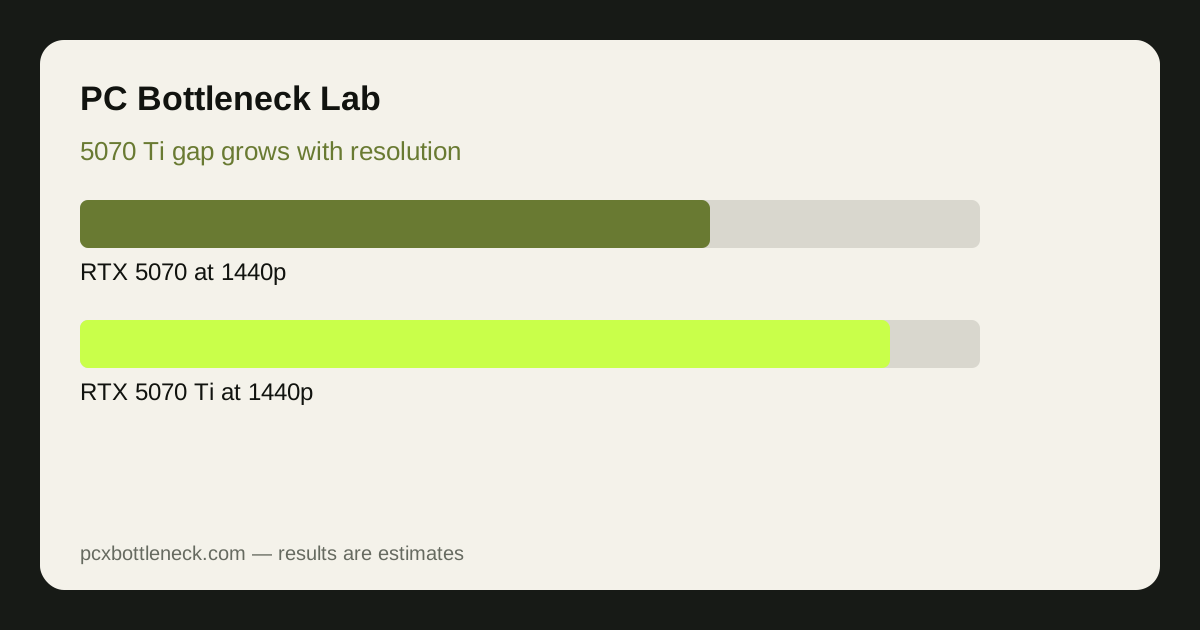 RTX 5070 Ti vs RTX 5070: Bottleneck, FPS and Value Compared
The Ti pulls ahead most at 1440p and 4K, while at 1080p a mid-range CPU often limits both cards, so the base 5070 is the better value there.
Read more →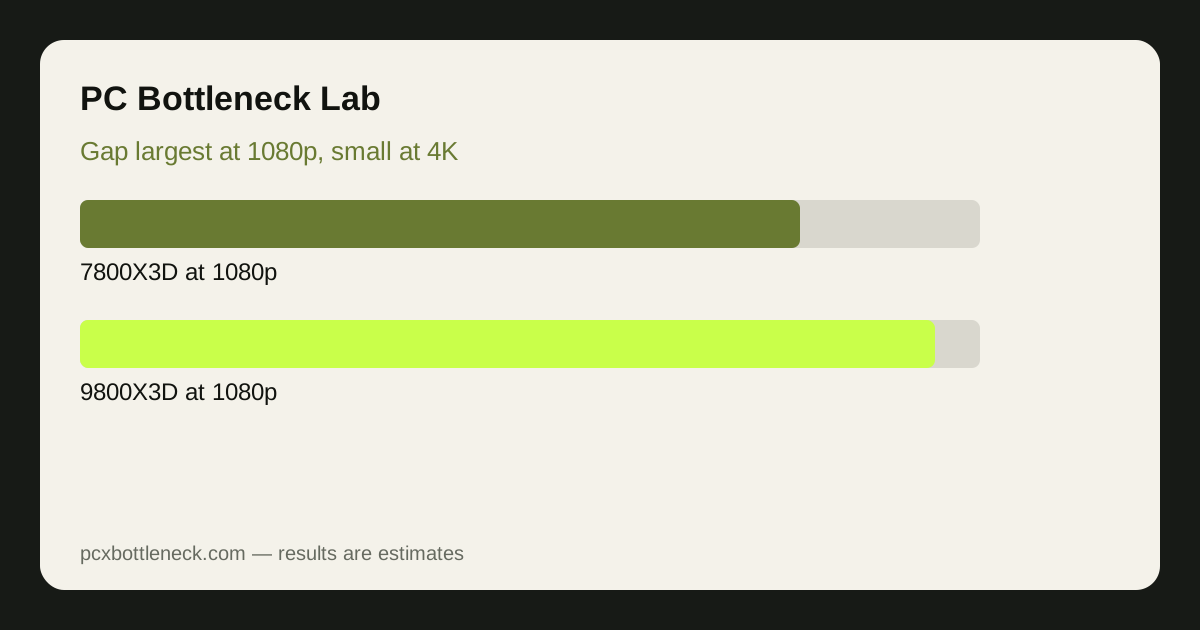 Ryzen 7 9800X3D vs 7800X3D: Bottleneck and FPS Compared
The 9800X3D leads mainly in CPU-bound 1080p scenes, but at 1440p and 4K the 7800X3D is close enough that upgrading between them is rarely worth it.
Read more →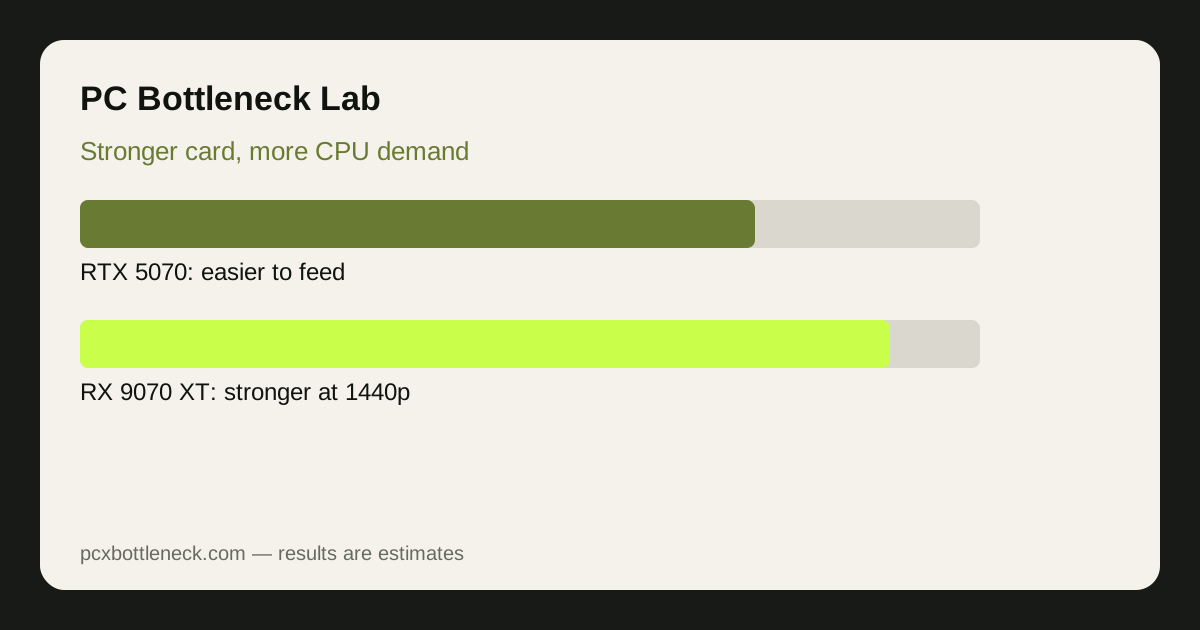 RX 9070 XT vs RTX 5070: Which Card Is Less Likely to Be Bottlenecked?
The 5070 is slightly easier for a mid-range CPU to feed, while the 9070 XT is less often the limit itself at 1440p, so the right card depends on your CPU and games.
Read more →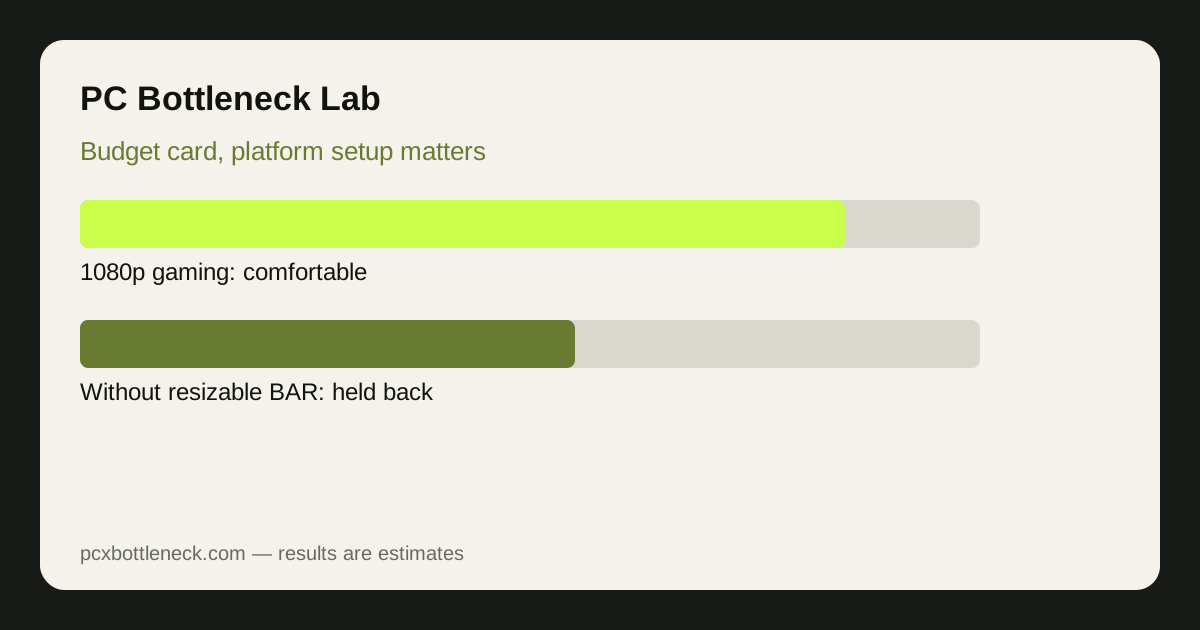 Intel Arc B580 in 2026: Bottleneck, Drivers and Value Update
Still a strong budget 1080p card with much-improved drivers, but its biggest risks are platform setup — resizable BAR and dual-channel RAM — rather than raw speed.
Read more →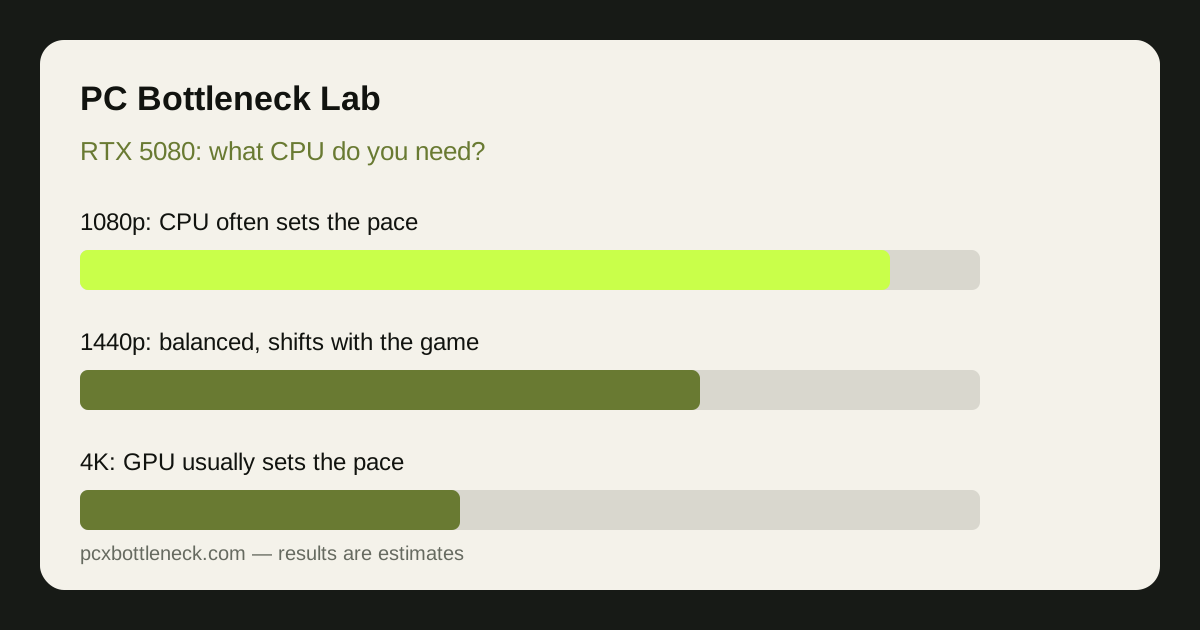 RTX 5080 Bottleneck Guide: What CPU Do You Really Need?
A practical guide to matching a CPU to the RTX 5080 by resolution and game type, with a CPU-tier table for competitive, mixed and 4K players.
Read more →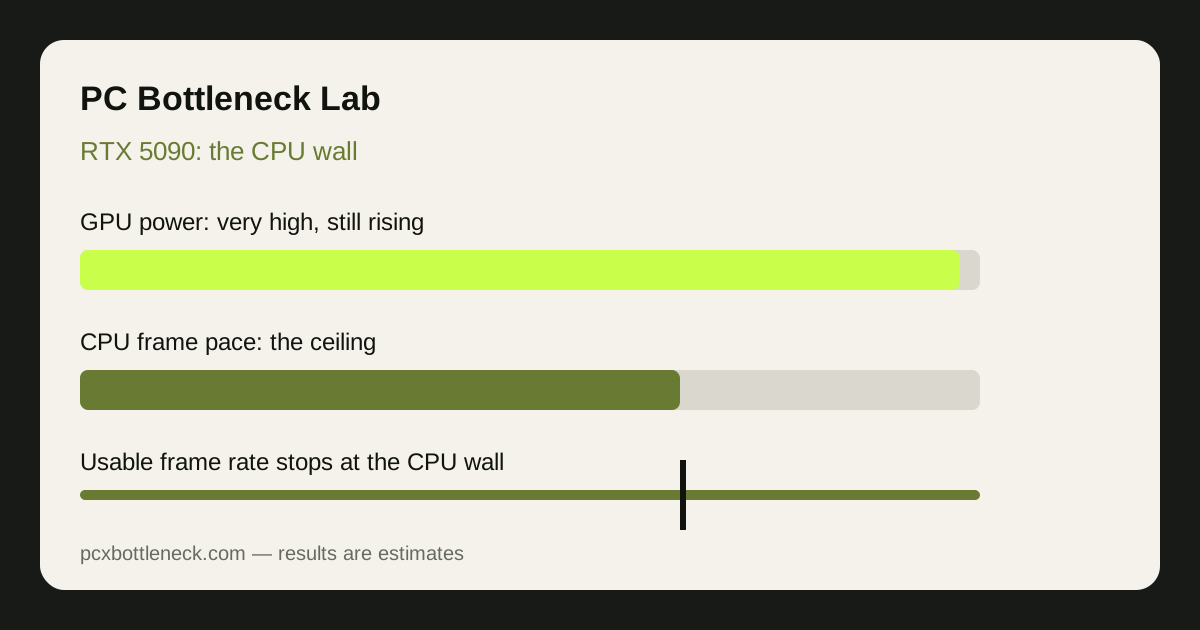 RTX 5090 Bottleneck Guide: The CPU Wall at 4K and Beyond
Explains why even a flagship GPU hits a CPU wall, where that wall sits from 1080p to 4K, and which CPU class makes the card worth buying.
Read more →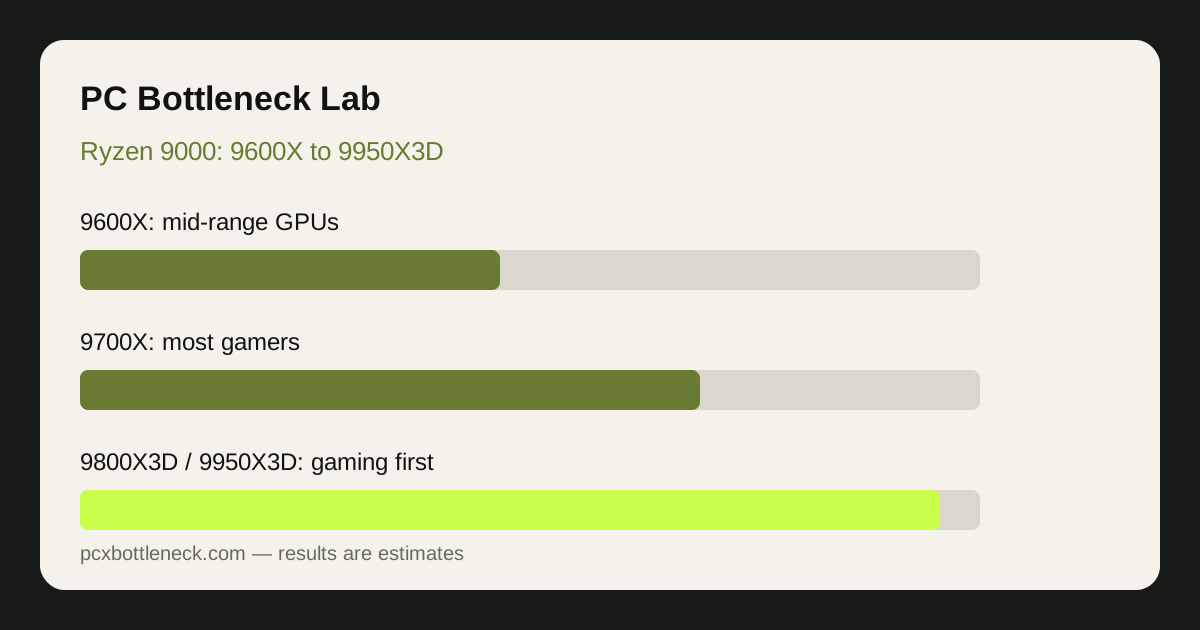 Ryzen 9000 Series Bottleneck Guide: 9600X to 9950X3D
Compares the Ryzen 9000 range from the 9600X to the 9950X3D, matching each chip to a GPU tier and to gaming versus mixed work.
Read more →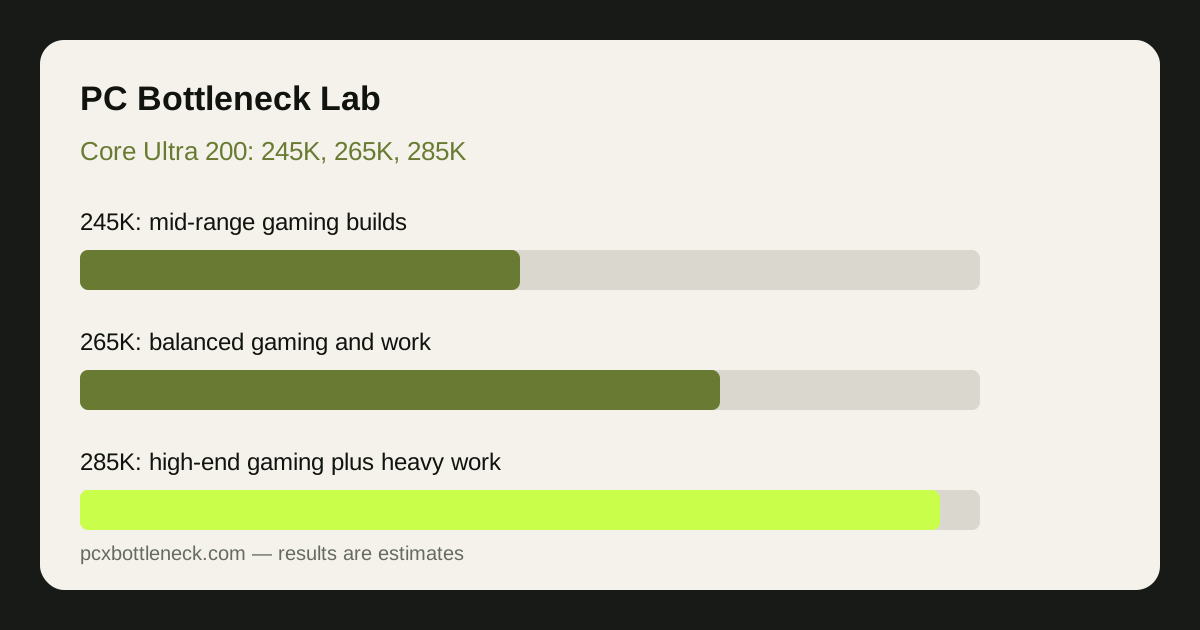 Core Ultra 200 Series Bottleneck Guide: 245K, 265K, 285K Compared
Compares the 245K, 265K and 285K for gaming versus work, with a GPU-pairing table and platform factors such as cooling, RAM and power.
Read more →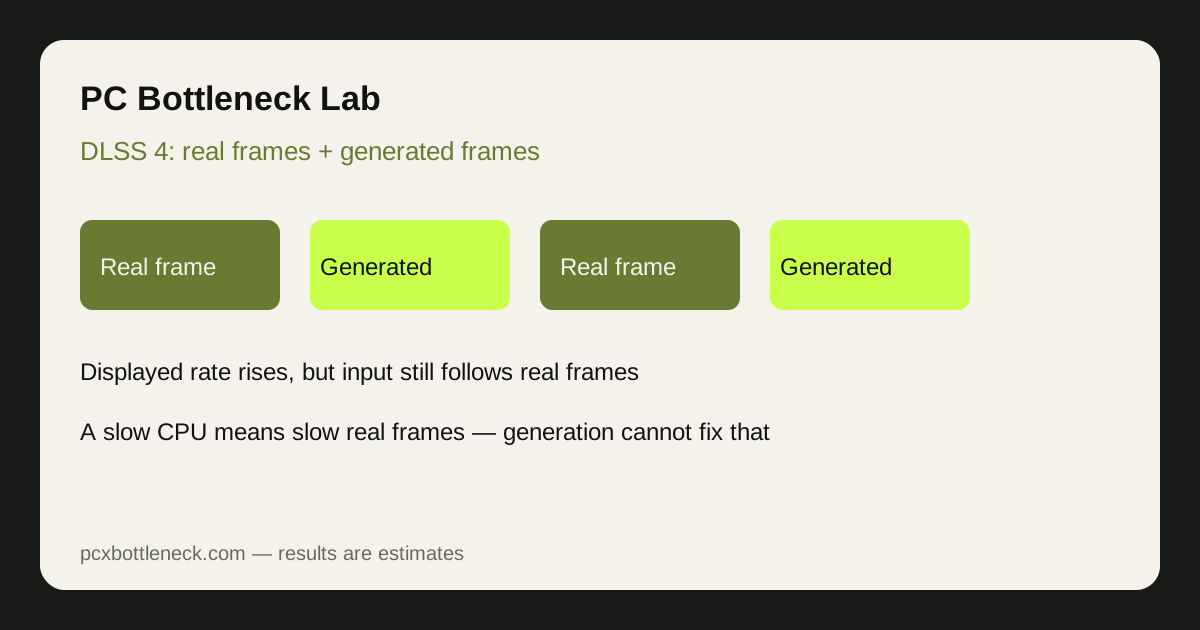 DLSS 4 in 2026: Multi Frame Generation and CPU Bottlenecks
Explains how multi frame generation interacts with a CPU bottleneck, when it genuinely helps, and the setup order for a CPU-limited PC.
Read more →