
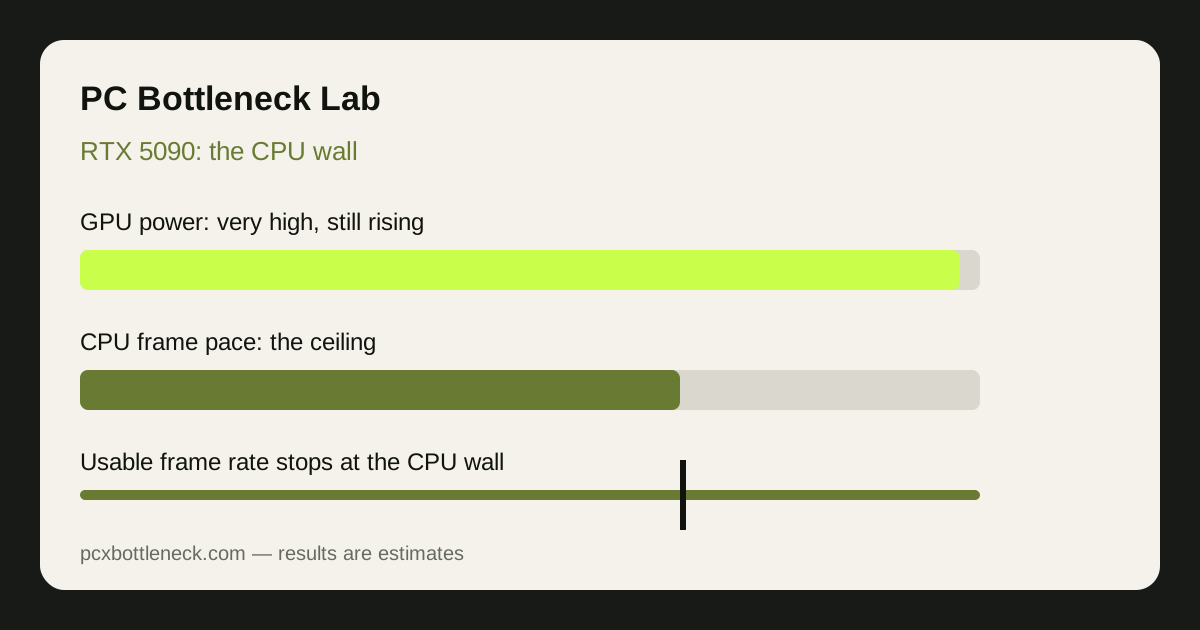
What is the CPU wall with an RTX 5090?
The CPU wall is the point where the processor cannot prepare frames fast enough, so a faster GPU stops helping. Every frame starts on the CPU: game logic, physics, object tracking and the instructions sent to the GPU. If that work takes longer than the GPU needs to draw the frame, the GPU waits and frame rate stops rising no matter how much GPU power you add.
With slower GPUs this wall is rarely visible, because the GPU is usually the slower partner. An RTX 5090 moves the wall into view: it draws frames so quickly that the CPU's per-frame work becomes the constraint in more games and at higher resolutions than usual. It appears first in the games that load the CPU hardest.
Where does the wall appear at each resolution?
Higher resolution normally hides a CPU limit, because each frame costs the GPU more work. The RTX 5090 is unusual because it handles that extra work so well that the CPU can still be the constraint at 4K in the wrong game, while at lower resolutions the wall is almost always present.
| Resolution and use | Usual limit with an RTX 5090 | Estimated gap if the CPU is weak |
|---|---|---|
| 1080p | Almost always CPU-limited | Large, often in the region of 20–40% in CPU-heavy scenes |
| 1440p, high refresh | Often CPU-limited | Noticeable, roughly 10–30% in demanding titles |
| 4K, story-driven AAA | Usually GPU-limited | Small in most scenes |
| 4K, simulation or strategy | CPU wall can still appear | Moderate, roughly 10–25% in heavy scenes |
These are estimate ranges, not measured results, and they move with the game, settings and drivers. The pattern is what matters: the wall shrinks as resolution and GPU load rise, but with an RTX 5090 it does not always disappear at 4K. If you buy this card mainly for 1080p, you are paying for GPU power the CPU will rarely let it use.
Which CPU class makes sense with an RTX 5090?
Pair an RTX 5090 with one of the fastest gaming CPUs available, not with a mid-range CPU chosen to save money. The saving is false economy: a weaker CPU leaves the most expensive part of the build partly idle. The sensible floor is simply higher with this card than with any slower GPU.
For pure gaming, a leading 3D V-Cache gaming CPU is the natural partner, as shown on the Ryzen 7 9800X3D bottleneck page, and the RTX 5090 bottleneck page frames the GPU side. For gaming plus heavy rendering or editing, a higher-tier CPU with more headroom may be the better trade. Our guide to CPU bottlenecks in esports versus AAA games shows why game type changes the CPU that wins.
Expect diminishing returns even at the top. Moving from a strong gaming CPU to a flagship CPU may only close part of the gap, because some games are limited by a single busy core or by engine design. Past a point, no CPU fully removes the wall; the honest goal is to shrink it.
What else can hold an RTX 5090 back?
The CPU is the main wall, but not the only one. Several supporting parts can each mimic a CPU limit if neglected, and are worth checking before blaming the processor.
- Cooling: a CPU that throttles under sustained load behaves like a slower CPU. Check temperatures and sustained clock behaviour under load, not just in a menu.
- RAM configuration: single-channel RAM or slow RAM can starve the CPU and flatten frame rates. Dual-channel RAM is the baseline for a build at this level.
- Power headroom: a flagship GPU and a strong CPU draw heavily together. A power supply with comfortable headroom avoids throttling and instability under peak loads.
- Background software: recording, streaming and browser tabs compete with the game for CPU time. Close them before judging a pairing, as described in how to check a CPU bottleneck.
Who should buy an RTX 5090, and who should not?
Buy it if you play at 4K or beyond, use high-end displays, do heavy GPU work such as rendering, or want the longest useful life from a single GPU. In those uses a top gaming CPU keeps the wall as small as current hardware allows. Skip it, or step down a tier, if you play mainly at 1080p, if your CPU is several generations old and will not be upgraded, or if your budget forces a weak CPU next to a flagship GPU.
Also weigh the display. A flagship GPU on a modest display wastes its advantage twice: the CPU wall caps frame rate, and the display cannot show the frames that do get through. Match the card, the CPU and the display as one system.
Limitation: this guide is qualitative guidance with clearly labelled estimate ranges, not benchmark data for your games, drivers and settings. The CPU wall moves with game engines, patches, RAM, cooling and background software. Confirm the pattern with monitoring on your own PC, and re-test after any upgrade.
Frequently asked questions
Can a CPU bottleneck an RTX 5090 at 4K?
Yes, in CPU-heavy games such as simulations, strategy titles and some esports games, the CPU can still set the pace at 4K with an RTX 5090. In most story-driven AAA games at 4K, the GPU is the limit instead. The game type decides which case you are in.
What is the best CPU pairing for an RTX 5090?
For pure gaming, one of the fastest current gaming CPUs, ideally a 3D V-Cache model, is the natural partner. For mixed gaming and heavy work, a higher-tier CPU with more headroom may suit better. Either way, the sensible floor is higher than with any slower GPU.
Is an RTX 5090 overkill for 1440p?
For most players, yes, unless you target very high refresh rates or also do heavy GPU work. At 1440p the CPU wall appears often, so much of the card's power goes unused. A lower-tier GPU with a balanced CPU usually gives a better return at that resolution.
Will upgrading my CPU remove the RTX 5090 bottleneck?
It will shrink it, but it may not remove it completely. Some games are limited by a single busy core or by engine design, so even the fastest CPU leaves a small gap. Judge the upgrade by whether it closes enough of the gap in the games you play most.
How do I know if my RTX 5090 is CPU-limited?
Watch GPU usage, per-core CPU usage and frame rate together while playing. GPU usage well below maximum, a busy CPU core, and frame rate that barely rises when settings drop all point to a CPU limit. Test in your own games, not in menus.