
Free CPU & GPU compatibility checker
PC bottleneck
calculator for smarter builds.
Find out whether your processor can keep up with your graphics card. Compare your build at 1080p, 1440p or 4K and get a result you can actually understand.
Free to use2,800+ CPUs1,200+ GPUsNo sign-up
BUILD ANALYZER
Check your CPU and GPU pairing.
Select your components and the resolution you actually use. The calculator estimates which part reaches its useful gaming limit first.
- Searchable component database
- Resolution-aware results
- 1080p, 1440p and 4K comparison
YOUR RESULT
Balanced pairing
0%estimated bottleneck
Representative demanding-game average, not a guarantee for every title.
Reflects benchmark coverage and component matching quality.
PC BOTTLENECKS, EXPLAINED
A useful result is more than one percentage.
Every PC has a limiting component. That is normal. The important question is whether the limit makes sense for your games, resolution and upgrade budget.
A powerful GPU paired with a slower CPU can lose performance at high frame rates. A powerful CPU paired with a modest GPU will usually be GPU-bound—which is often the healthy and expected state for gaming.
HOW IT WORKS
From component data to a clear answer.
The calculation uses a real-world gaming scale, not clock speed or core count alone.
Estimate the CPU ceiling
Public gaming data and model-specific calibration estimate how many frames the processor can prepare.
Adjust graphics load
GPU performance is adjusted because higher resolutions require more rendering work.
Compare useful pace
If the CPU ceiling falls below GPU pace, the shortfall becomes the estimated bottleneck.
RESOLUTION CHANGES THE ANSWER
The same hardware can behave differently.
Always calculate at the resolution you intend to use.
High-frame-rate, CPU-sensitive
The GPU finishes frames quickly, so CPU limitations are most visible here.
The modern sweet spot
Graphics load rises while strong frame rates remain achievable.
Usually GPU-limited
Four times as many pixels make graphics rendering the main workload.
CPU BOTTLENECK
When the processor sets the pace.
The GPU is ready to render more frames than the CPU can prepare. This is common in competitive and simulation games.
Common signs
- GPU usage remains below maximum
- Lower settings barely improve FPS
- Frame-time spikes in busy scenes
GPU-BOUND
When the graphics card sets the pace.
This is not automatically a bad match. It often means your CPU has headroom and the GPU is doing its intended work.
Common signs
- GPU usage remains near maximum
- Lower resolution improves FPS
- CPU has comfortable headroom
READING YOUR RESULT
What the percentage means.
A planning signal—not a promise for every game.
Well matched
No meaningful CPU limitation.
Minor limitation
Usually acceptable for most builds.
Noticeable mismatch
The limiting part may hold back performance.
Major limitation
Review game benchmarks before purchasing.
SEARCHABLE COMPONENT DATA
Thousands of CPUs and GPUs. Desktop and mobile kept separate.
Specifications, benchmark observations and a public gaming scale support the calculation. Unmatched hardware uses a transparent fallback.
0CPU models
0GPU models
3resolutions
v0.3gaming model
LATEST FROM THE BLOG
Latest bottleneck articles.
Practical checks, clear explanations and buying context for a more balanced gaming PC.
 CPU BOTTLENECK GUIDE
How to Check a CPU Bottleneck in 10 Minutes
Use GPU load, per-core usage and a resolution test before upgrading.
Read article → GPU BOTTLENECK GUIDE
Check a GPU Bottleneck Without Software
Use Windows tools and graphics settings without installing another app.
Read article → TROUBLESHOOTING
CPU 100%, GPU Low: What It Really Means
Separate a CPU limit from heat, RAM, frame caps and background tasks.
Read article → METHODOLOGY
How We Calculate Bottlenecks
Understand the data, resolution weighting and limitations behind the results.
Read article → GAME PERFORMANCE
CPU Bottlenecks in Esports vs AAA Games
See why high refresh rates and high resolutions stress different components.
Read article → CPU COMPARISON
3D V-Cache: 7800X3D vs 9800X3D
Learn when extra cache helps and whether an upgrade makes sense.
Read article →
POPULAR BOTTLENECK CHECKS
Start with the parts most builders check.
These are static links to the most-checked component pages. Use the calculator above for your exact pairing, resolution and settings.
 CPU
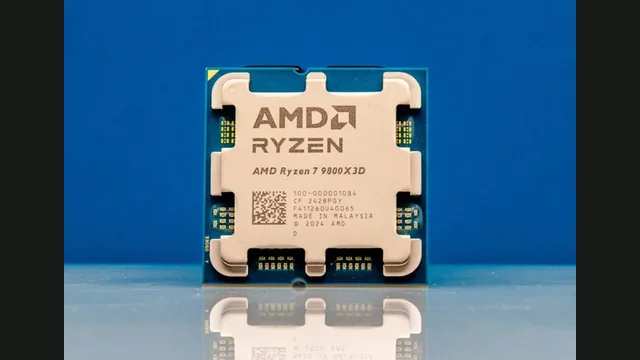
Ryzen 7 9800X3D bottleneck
Gaming ceiling and best GPU pairings.
Check this CPU →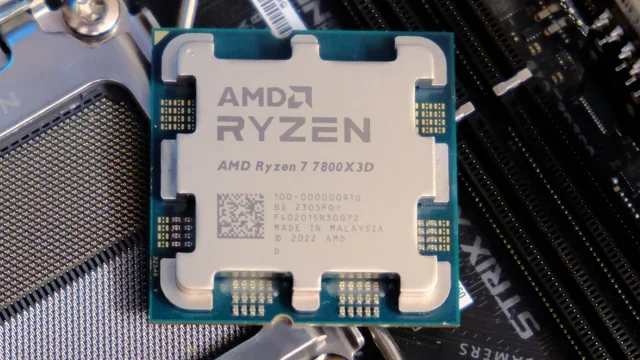 CPU
Ryzen 7 7800X3D bottleneck
Cache, gaming pace and GPU pairings.
Check this CPU →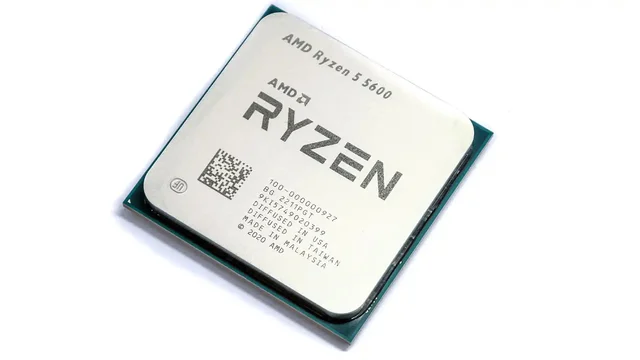 CPU
Ryzen 5 5600 bottleneck
Budget AM4 CPU and balanced GPUs.
Check this CPU →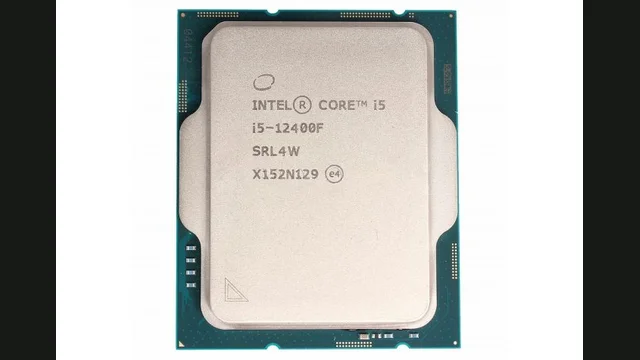 CPU
Core i5-12400F bottleneck
Budget Intel CPU and GPU pairings.
Check this CPU →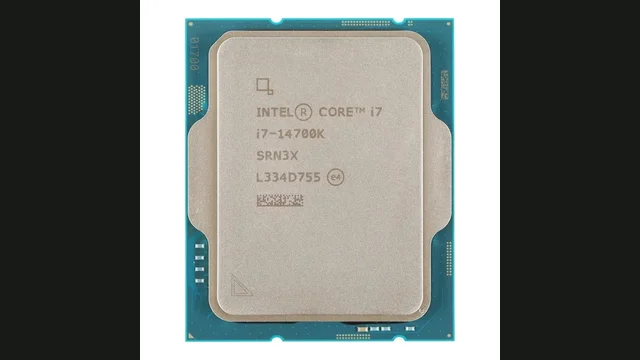 CPU
Core i7-14700K bottleneck
High-end Intel CPU and GPU pairings.
Check this CPU →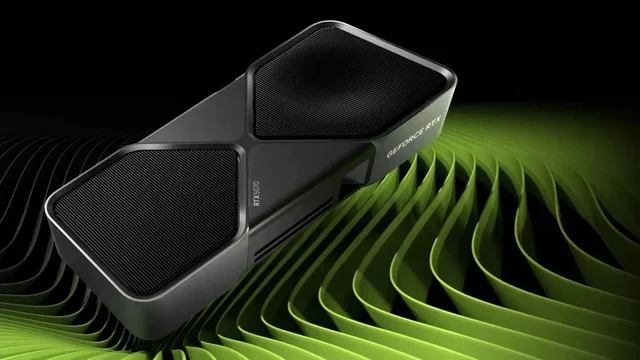 GPU
RTX 5070 bottleneck
Best CPUs for the RTX 5070 at 1080p, 1440p and 4K.
Check this GPU →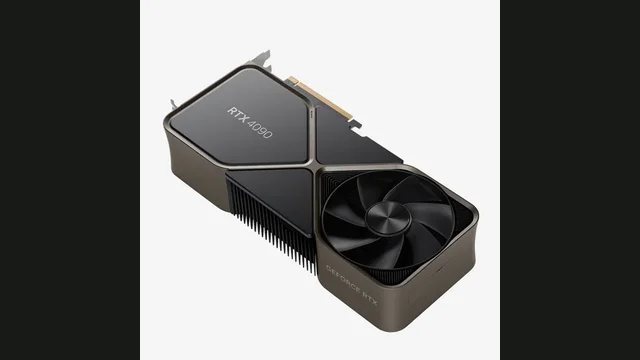 GPU
RTX 4090 bottleneck
What CPU you actually need for the RTX 4090.
Check this GPU →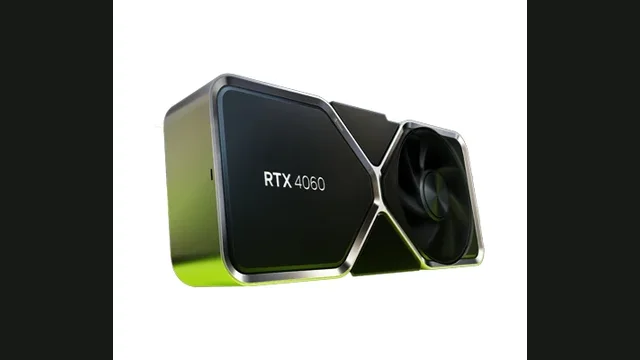 GPU
RTX 4060 bottleneck
Budget GPU and CPUs that do not waste it.
Check this GPU →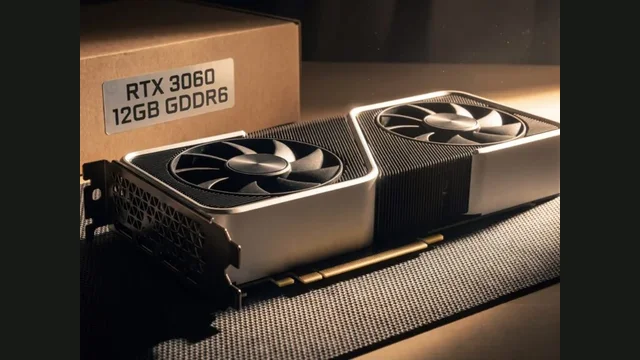 GPU
RTX 3060 bottleneck
Still balanced in 2026, and for which CPUs.
Check this GPU →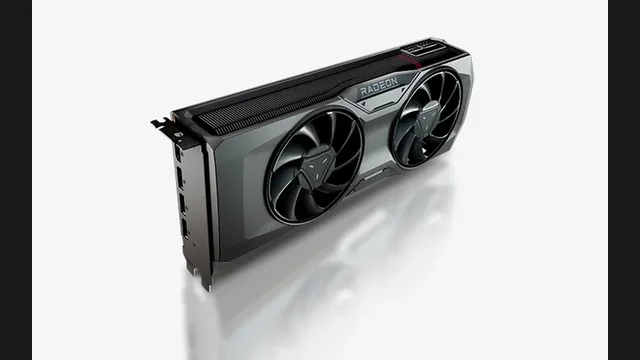 GPU
RX 7800 XT bottleneck
Best CPUs for the RX 7800 XT.
Check this GPU →Read the blog → for PC bottleneck articles that explain these checks in depth.
FREQUENTLY ASKED QUESTIONS
PC bottleneck questions, answered.
What is a PC bottleneck?+
One component reaches its useful limit first and controls performance. The limiting part can change between games and resolutions.
Is a 0% bottleneck possible?+
It means no meaningful CPU limitation was detected. A GPU-bound state is normal for gaming.
Why does resolution change the result?+
Higher resolutions require more GPU work, giving the CPU more time per frame.
Should I upgrade the CPU or GPU first?+
Upgrade the part limiting the games and resolution you use, then confirm with game benchmarks.
Are calculator results exact?+
No. Settings, RAM, cooling, drivers and game engines matter. Treat results as guidance.
CHECK BEFORE YOU UPGRADE
Build around your resolution—not a random percentage.
Choose your CPU, GPU and target resolution for a fast estimate.