
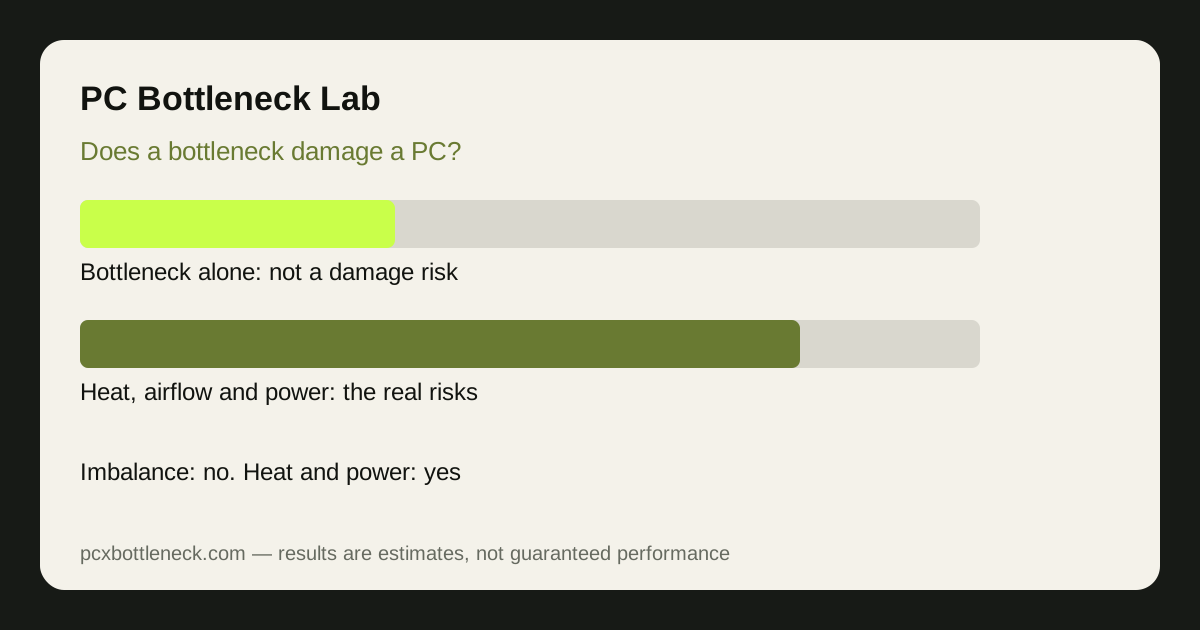
The short answer, and why it is safe
Processors and graphics cards are designed to run at high usage for years. They have built-in thermal protection: when a part gets too hot, it lowers its speed, and in an extreme case the PC shuts down, rather than letting the chip cook itself. A bottleneck only means one part finishes its work before the other. It does not force either part beyond its designed limits.
Think of it like a team where one worker finishes early and waits. The waiting worker is not being damaged, and the busy worker is simply working at the pace the job allows. What damages hardware is working hot for a long time, with blocked airflow, dried thermal paste, or a power supply that cannot deliver stable power.
What actually damages a PC, and how to spot it
| Real risk | Warning signs | What to do |
|---|---|---|
| Sustained high heat | Frequent throttling, loud fans, shutdowns | Clean dust, improve airflow, check paste |
| Weak or failing power supply | Random restarts, crashes under load | Check PSU wattage and replace if faulty |
| Blocked airflow | Hot case, parts throttling in a closed space | Clear vents, fix fan direction, open space |
| Imbalance alone | Low FPS or stutter, temperatures normal | Nothing urgent — plan an upgrade when ready |
If temperatures are normal and the PC is stable, a bottleneck is a performance problem, not a safety problem. If the PC restarts, throttles constantly or shuts down, treat that as a heat or power problem first, whatever the bottleneck number says.
Does 100% usage wear parts out faster?
Running a CPU or GPU at high usage does add wear over a very long time, but for normal gaming the effect is small compared with heat. A part kept cool at high usage will usually outlast a part that runs hot at moderate usage. That is why cooling matters more than usage percentages: a clean case, working fans and reasonable room temperature protect your PC far more than avoiding 100% usage.
Laptops deserve extra care, because their cooling is tighter and their parts share heat. A laptop that constantly throttles on a soft surface is at more risk than a desktop with the same bottleneck, so use a hard surface, keep vents clear, and watch temperatures rather than usage alone.
How to protect a PC that has a bottleneck
- Watch temperatures, not percentages: sustained throttling is the warning sign that matters.
- Keep airflow clear: dust filters, fan direction and case placement beat any software tweak.
- Use a suitable power supply: check the PSU recommendation for your GPU and replace a faulty unit promptly.
- Fix the bottleneck when it suits you: use the PC bottleneck calculator to choose the upgrade, and read CPU 100%, GPU low if high CPU usage is the pattern you see.
Cleaning is part of that protection, and it does not need to be frequent or complicated: clearing dust from filters and vents every few months, keeping the case off carpet, and leaving space around exhaust vents is usually enough for a desktop. If fans suddenly get much louder, or frame rate drops after months of stable play, heat is the first suspect, and a quick temperature check under load will confirm it faster than any bottleneck number.
Limitation: this is general guidance, not a diagnosis of your PC. If your PC restarts, smells of burning, or shuts down repeatedly, stop heavy use and get it checked, because those are hardware fault signs, not bottleneck symptoms.
Frequently asked questions
Can a bottleneck kill my GPU?
No. A bottleneck means the GPU waits for work or works at its limit, both of which are normal operating states. Heat, a failing power supply or a manufacturing fault can damage a GPU, but an imbalance between CPU and GPU on its own does not.
Does 100% CPU usage damage the CPU?
Not by itself. CPUs are built to run at full load and protect themselves by throttling if they get too hot. The risk comes from sustained high temperatures and poor cooling, not from the usage figure, so monitor temperatures rather than worrying about 100% alone.
Can stutter from a bottleneck damage my SSD or RAM?
No. Stutter is a performance symptom, not a hardware fault. It does not wear out storage or memory in any meaningful way, although a nearly full or failing drive can itself cause stutter, which is a separate problem worth checking.
Is a bottleneck worse for a laptop than a desktop?
It can feel worse, because laptops share cooling between CPU and GPU and throttle sooner. The bottleneck itself still does not damage the laptop, but heat management matters more, so keep vents clear and use a hard, flat surface.
Should I stop gaming until I fix a bottleneck?
No, unless the PC is overheating, restarting or shutting down. If temperatures are normal and the PC is stable, gaming with a bottleneck is safe, even if frame rate is lower than you want. Fix it when your budget allows, not urgently.