
Where does the B580 sit in 2026?
The B580 is a budget to lower mid-range card, aimed at gamers who play at 1080p and want room to try 1440p without paying mid-range prices. Its generous graphics memory for its class helps at higher texture settings, where some budget rivals run short sooner. That memory advantage is one reason it has stayed relevant: it handles texture-heavy scenes more gracefully than its price alone would suggest.
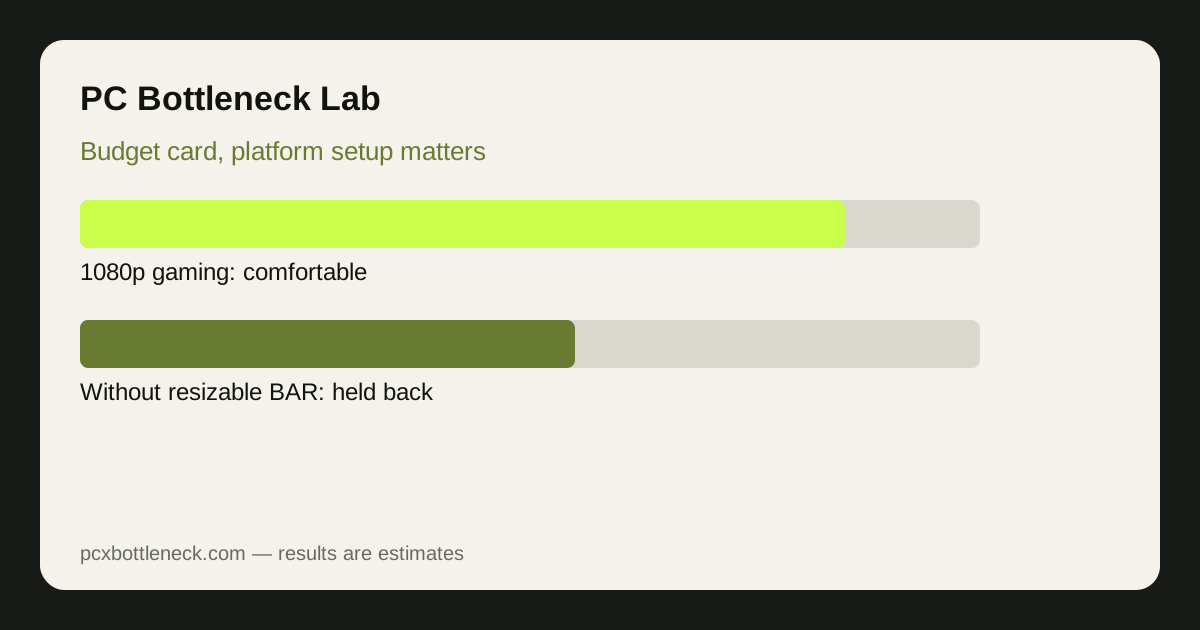
It is not a 4K card, nor the right choice for heavy ray tracing at high settings. At 1080p high settings it is comfortable in most modern games; at 1440p it is capable but needs settings tuned in the most demanding titles.
For a direct reference, see the Arc B580 bottleneck page, and run your own CPU pairing in the PC bottleneck calculator to see how the balance shifts by resolution.
What have drivers changed since launch?
Drivers are the B580's most important story. Early Arc cards suffered from inconsistent performance in older games and occasional stuttering that had little to do with raw hardware speed. Since then, Intel has steadily improved compatibility and smoothness, and the card's reputation in 2026 rests far more on current driver behaviour than on launch reviews. Old reviews, in other words, are a poor guide to the card today.
That improvement is uneven, and honesty requires saying so. Modern games built on current graphics APIs generally run well, while some older titles can still behave inconsistently, and new game launches may need a driver update before they settle. If your library is mostly older games, check recent reports for those specific titles rather than assuming the general improvement applies equally everywhere.
The practical advice is simple: keep drivers current, and judge the card on recent testing, not launch coverage. If you already own a B580 and see stuttering, update drivers and check the platform points below before assuming the hardware is at fault. Our guide to checking a GPU bottleneck without software helps separate a driver or platform issue from a genuine GPU limit.
Where does the B580 bottleneck, and what holds it back?
At 1080p with a modern mid-range CPU, the B580 is usually GPU-limited in demanding games, which is the healthy pattern: the card is doing the work it was bought for. At 1080p high refresh in esports or CPU-heavy titles, the CPU can become the limit instead, but that is true of any card in this class and is not specific to Intel hardware.
| Setup | Likely limit | What to check |
|---|---|---|
| Modern CPU, resizable BAR on | GPU in demanding games | Settings and resolution |
| Older CPU, resizable BAR off | CPU and platform overhead | BIOS setting, CPU upgrade path |
| Single-channel RAM | Memory bandwidth, stuttering | Dual-channel RAM configuration |
| 1440p, demanding AAA | GPU, settings-dependent | Texture and effects levels |
Resizable BAR deserves emphasis because it matters more for Arc than for many rivals. This BIOS feature lets the CPU access the card's memory more efficiently, and without it the B580 can lose a noticeable range of performance in some games. Before buying, confirm your motherboard and CPU support it and that it is enabled; before troubleshooting a slow B580, check this setting first. Single-channel RAM is the second common culprit, for the same reason: it starves the system of bandwidth the card needs.
Is the B580 still good value?
Value depends on current pricing, which moves, so no price figure is given here. On the usual pattern, the B580 is good value when it is priced clearly below mid-range rivals while offering more memory headroom, and weaker value when discounting brings a rival close to its price. Compare the exact models and current prices at purchase time, including cooler quality and warranty, rather than relying on a launch price.
Consider the whole system cost too. A B580 in a modern platform with resizable BAR and dual-channel RAM is a different purchase from the same card in an older system without those, because the second system may need a platform upgrade to unlock it. If your PC already meets those requirements, the B580 is a straightforward budget upgrade. If it does not, a rival card that is less sensitive to platform setup may be the cheaper total purchase.
For new budget builders, the B580 remains an easy recommendation at 1080p. For upgraders, check the platform points above first, then decide. Our PC guides and blog cover the wider budget-build question.
Limitation: driver behaviour and game compatibility change with updates, so any statement about drivers is a snapshot, not a permanent verdict. Performance ranges here are general estimates, not measured results for a specific driver version or title. Check recent driver notes and reviews for the games you play before buying.
Frequently asked questions
Is the Intel Arc B580 good for 1080p gaming in 2026?
Yes, it remains a strong budget choice for 1080p at high settings in most modern games, with memory headroom that helps at higher textures. It is less suited to heavy ray tracing at high settings, where more expensive cards pull ahead.
Can the Arc B580 handle 1440p gaming?
It can, but with expectations set correctly: capable at 1440p in many games, with settings tuned in the most demanding titles. If 1440p high refresh in AAA games is your main goal, a stronger mid-range card is a better fit for you.
Do I need resizable BAR for the Arc B580?
It is strongly recommended. Without resizable BAR, the B580 can lose a noticeable range of performance in some games, more than many rival cards would. Check your motherboard BIOS for the setting and enable it before judging the card's performance.
Are Intel Arc drivers reliable now?
They are notably more mature than at launch, especially in modern games, but improvement is uneven: some older titles and brand-new releases can still need updates to settle. Keep drivers current and check recent reports for the specific games you play.
What CPU should I pair with an Arc B580?
A modern mid-range CPU with dual-channel RAM and resizable BAR enabled is the sweet spot; it keeps the card fed at 1080p without wasting money. An older CPU can still work, but check resizable BAR support first, since that affects Arc performance more than most cards.