
Why resolution shifts the limit
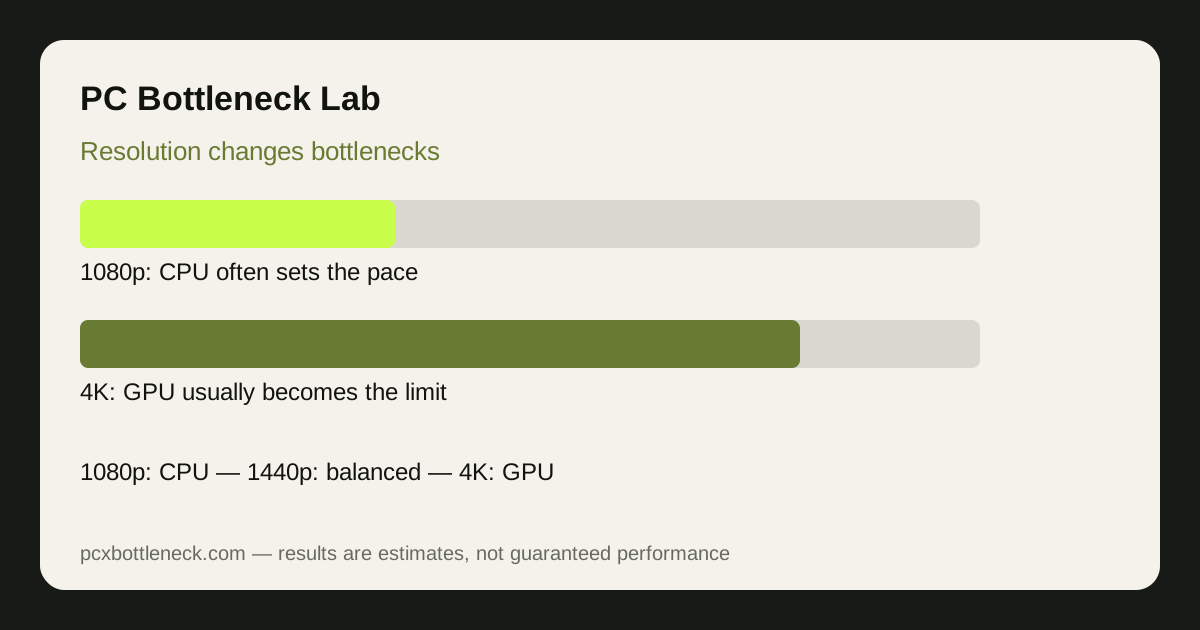
Every frame has two kinds of work. The CPU decides what happens in the game world, physics, AI, draw calls and game logic, and that work barely changes with resolution. The GPU draws the pixels, and that work grows sharply as resolution rises: 4K has roughly four times the pixels of 1080p. As resolution rises, the GPU takes longer per frame, giving the CPU more time to keep up, so the limit slides from CPU to GPU.
This is also why a frame-rate target matters. A high refresh rate at 1080p asks the CPU to prepare hundreds of frames per second, which is a heavy CPU job. The same PC at 4K and 60Hz asks the CPU for far fewer frames, so the CPU has an easier time even though the GPU is working harder.
The same pairing at three resolutions
| Resolution | Usual limit | What it feels like | Upgrade that helps most |
|---|---|---|---|
| 1080p | CPU, especially at high refresh | FPS flat when settings drop | CPU, fast RAM, or both |
| 1440p | Balanced, or mild GPU limit | Settings changes move FPS | GPU for demanding AAA games |
| 4K | GPU, usually clearly | FPS rises when settings drop | GPU and VRAM |
These are typical patterns, not guarantees. A simulation game can stay CPU-limited at 4K, and a light esports game can stay GPU-limited nowhere, because game type matters as much as resolution. Our esports vs AAA guide explains that split in detail.
What upscaling and frame generation change
Upscaling renders at a lower resolution and reconstructs a higher one, which reduces GPU work and can push a GPU-limited PC back towards a CPU limit. That is a good trade when the GPU is the problem, but it will not help a CPU-limited PC, because the CPU still has to prepare every frame. Frame generation has a similar limit: it can smooth the picture, but it does not remove a CPU limit, and it adds latency that competitive players notice.
Use upscaling to rescue a GPU limit at 1440p or 4K, not to fix a CPU limit at 1080p. If you are CPU-limited, the fixes are a stronger CPU, faster RAM, or a lower frame-rate target.
Choosing a resolution, and an upgrade, with this in mind
First, decide the resolution and frame-rate target you will actually use for the next few years, then judge the pairing there. A pairing that looks mismatched at 1080p may be perfectly balanced at 1440p, and buying a CPU for a 1080p problem you will not have after a monitor upgrade wastes money. Run your pairing through the PC bottleneck calculator at each resolution, and compare examples such as Ryzen 7 7800X3D bottleneck and RTX 4090 bottleneck to see how a strong CPU and a flagship GPU behave as resolution rises.
Game type can override resolution, so do not read the table as a rule for every title. A simulation game with thousands of units can stay CPU-limited at 4K, while a light competitive game can stay GPU-limited nowhere at 1080p, because the engine decides how much CPU work each frame needs. If your main game breaks the pattern, trust the test in that game over the general table, and judge upgrades on the games you play most.
Limitation: resolution patterns are estimates for demanding games. Your game, settings, RAM and cooling will move the real balance, so confirm with the resolution test in our PC Guides before you buy.
Frequently asked questions
Does playing at 4K remove a CPU bottleneck?
Usually, yes, for the same game. At 4K the GPU takes much longer per frame, giving the CPU more time to keep up, so a CPU limit at 1080p often disappears. Simulation and strategy games are the main exception, because their CPU workload is unusually heavy.
Is 1080p always CPU-limited?
No. At 1080p with modest settings and a strong CPU, the GPU can still be the limit, especially with ray tracing or an older graphics card. Resolution shifts the balance, but game type, settings and the pairing itself decide where the limit actually falls.
Does an ultrawide monitor change the bottleneck?
Yes, in the same direction as higher resolution. Ultrawide has more pixels than standard 1440p, so it adds GPU work and pushes the limit towards the GPU. Treat ultrawide as sitting between its vertical resolution and the next step up.
Does DLSS or upscaling fix a CPU bottleneck?
No. Upscaling reduces GPU work, which helps a GPU limit, but the CPU still prepares every frame. A CPU-limited PC will stay CPU-limited with upscaling on, although it may gain smoothness if the GPU was also contributing to the problem.
Should I upgrade my monitor or my GPU first?
Decide the resolution you will use for years first, then the part. A monitor upgrade to 1440p or 4K can hide a CPU limit and expose a GPU limit, so judge the pairing at the new resolution in the calculator before you spend on either part.