
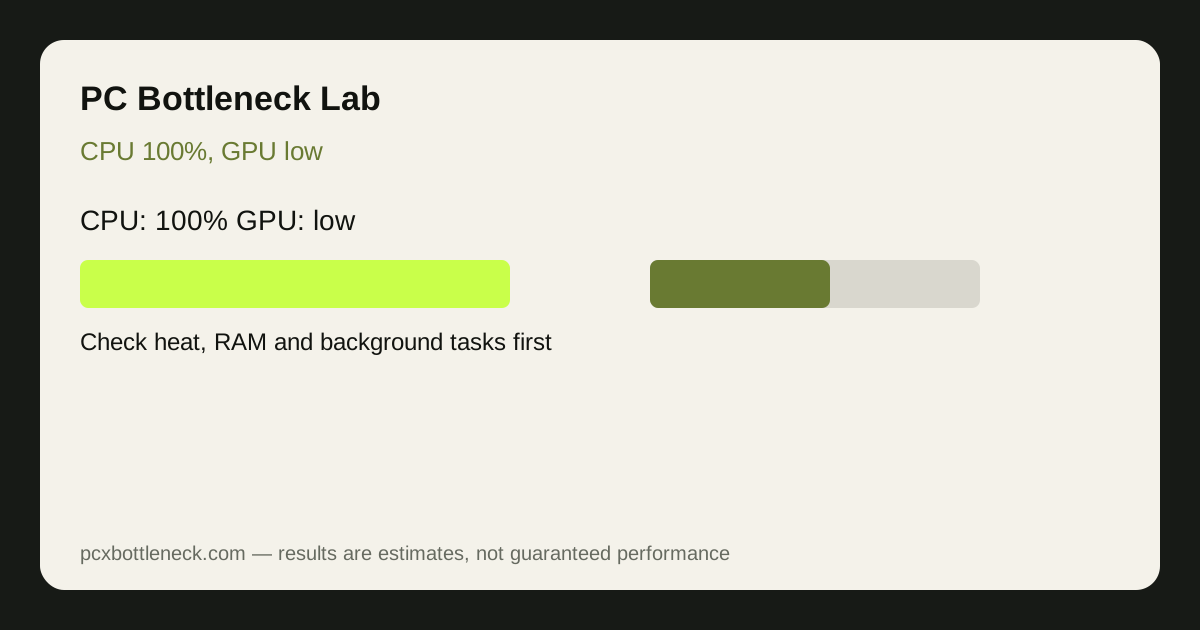
CPU usage near 100% with low GPU usage often means the processor or game thread is setting the frame-rate ceiling. Before upgrading, rule out an FPS cap, thermal throttling, background processes, power settings, single-channel RAM and a misleading menu or loading-screen test.
First, check which CPU number is at 100%
Total CPU usage and per-core usage tell different stories. If total usage is 100% across all cores, the game and background tasks together are using everything. If only one or two cores are at 100% while total usage is 40–60%, the game is limited by single-core speed, and a CPU with more cores will not fix it on its own.
Open Task Manager, go to Performance, right-click the CPU graph and choose Change graph to Logical processors. That view shows each core separately. Note which cores are full, and whether the game or another process is using them.
What else can cause this pattern?
| Possible cause | Clue to look for | Cheapest check first |
|---|---|---|
| True CPU limit | Frame rate does not rise when resolution drops | Run the 10-minute CPU test |
| Heat throttling | CPU temperature high, clock speed falls during play | Clean fans, check cooler mounting |
| Single-channel RAM | One RAM stick, or sticks in the wrong slots | Check slots, enable dual-channel |
| Background tasks | Browser, updater or recording software using CPU | Close background apps, retest |
| Game design | Only one game shows this pattern | Test a second, different game |
What should you try before buying a new CPU?
- Close background tasks and retest. If the pattern disappears, the CPU was not the problem.
- Check temperatures and boost clocks. A hot CPU that throttles needs cooling, not a replacement.
- Check RAM configuration. Two matched sticks in the correct slots, with the correct speed profile enabled, can recover frame rate that looked like a CPU limit.
- Lower CPU-heavy settings. View distance, crowd density, physics and shadow quality load the CPU more than texture quality does. Lower those first and see if frame rate rises.
- Raise resolution or GPU settings. If frame rate stays the same, the CPU is still the limit. If it falls, you have moved the limit to the GPU, which is normal at higher settings.
When is a CPU upgrade actually the answer?
A CPU upgrade makes sense when the pattern appears in several games you play, after background tasks are closed, temperatures are normal, RAM is in dual-channel mode, and lowering resolution does not raise frame rate. In that case, check what the upgrade buys you. A faster CPU in the same socket, like moving from a Ryzen 5 5600 to a Ryzen 7 5700X3D-class part, is very different from a full platform change to a new socket and RAM generation.
Run the exact pairing in the PC bottleneck calculator before buying. Use it as a direction check rather than proof that the processor must be replaced.
For platform context, compare the Ryzen 5 5600 guide with the Ryzen 7 9800X3D guide . The gap helps illustrate why resolution, target FPS and upgrade cost matter more than one utilization screenshot.
Limitation: usage figures alone cannot prove a bottleneck. They show a pattern that must be confirmed with the resolution test and, ideally, a second game. Do not buy a CPU on one screenshot of 100% usage.
Diagnostic safety note
This guide starts with reversible checks and does not recommend overclocking, firmware changes or hardware replacement as a first response. Usage figures are clues; repeatable gameplay tests and stable temperatures provide the stronger evidence.
Frequently asked questions
Is 100% CPU usage always bad?
No. If frame rate is smooth and playable, high CPU usage simply means the game is using the processor well. It becomes a problem when frame rate is low, stuttering, or far below what the GPU could deliver at the same settings.
Why is GPU usage low when CPU usage is at 100%?
Because the CPU cannot prepare frames fast enough for the GPU to render. The GPU waits for work, so its usage falls. That pattern points to a CPU limit, but heat, RAM and background tasks can produce the same pattern, so check those first.
Can background apps cause 100% CPU usage in games?
Yes. Browsers, updaters, recording software and other background tasks can use CPU cores that the game needs. Close background apps and retest before you conclude that the CPU itself is too weak.
Can single-channel RAM cause CPU 100% and GPU low?
Yes. One RAM stick, or sticks in the wrong slots, can hold back frame rates and look like a CPU limit. Check that RAM is in dual-channel mode with the correct speed profile enabled, then retest.
When should I upgrade my CPU for this pattern?
When the pattern appears in several games after background tasks are closed, temperatures are normal and RAM is in dual-channel mode, and lowering resolution does not raise frame rate. Then compare upgrade options in the calculator before you buy.