
What balanced actually means
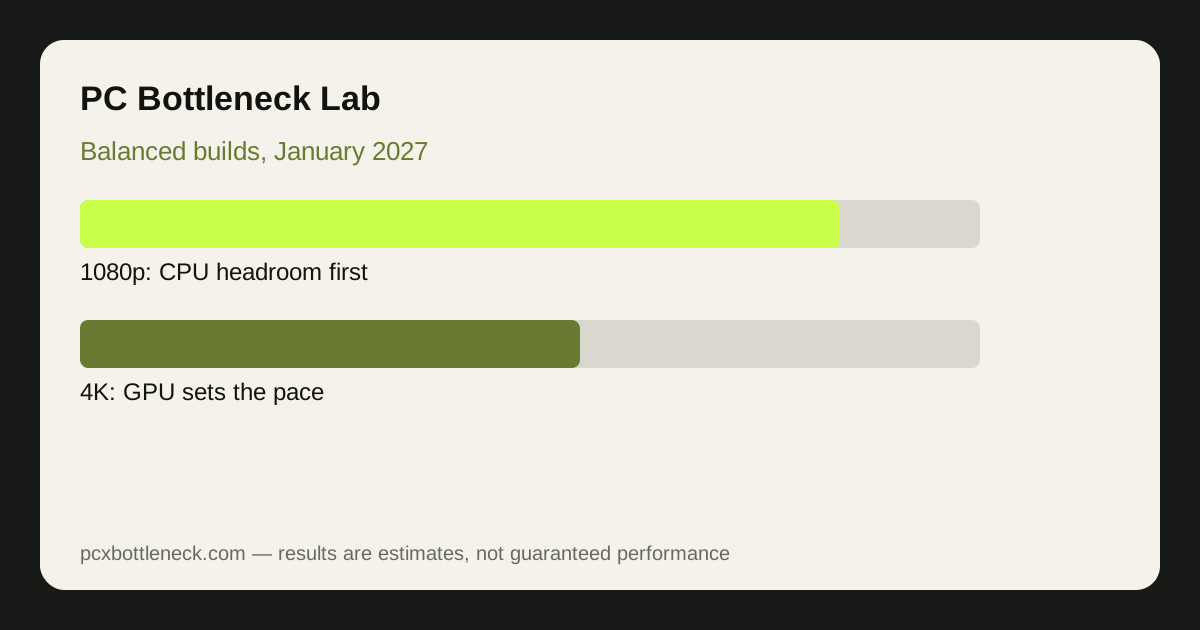
Balanced does not mean equal prices, and it does not mean the fastest parts. It means the limit sits where you want it. In demanding games, a GPU limit is usually the healthy state, because it means the CPU has headroom and the graphics card is fully used. A CPU limit is the wasteful state, because the GPU waits for work and extra graphics power buys nothing. The builds below are arranged so that the GPU is the usual limit in demanding games, with enough CPU headroom for esports and simulation titles.
Balance also depends on the monitor. A 1080p 240 Hz monitor asks far more of the CPU than a 4K 60 Hz monitor, even with the same graphics card, because the CPU must prepare many more frames per second. Pick the build for your monitor and resolution first, and only then compare prices. Our esports versus AAA guide explains that split in detail.
Three builds, three resolutions
| Build | CPU and GPU pairing | Best for | Watch out for |
|---|---|---|---|
| 1080p high refresh | Ryzen 5 7600X class CPU with RTX 4060 class GPU | Esports, high refresh, competitive games | CPU headroom matters more than GPU power here |
| 1440p all-round | Ryzen 7 7800X3D class CPU with RTX 5070 class GPU | Mixed AAA and esports at 1440p | Choose a monitor that can show the result |
| 4K demanding | Ryzen 7 9800X3D class CPU with RTX 4090 class GPU | Demanding AAA at 4K, high settings | Power supply, case size and cooling matter most |
The pairings above are described by class, because exact prices and availability change through January and a build guide should not pretend otherwise. Check the current Ryzen 7 9800X3D bottleneck and RTX 5070 bottleneck pages for how those parts behave at each resolution, then run your exact pairing in the PC bottleneck calculator before you buy.
The parts builders forget
Memory is the most common hidden limit in a new build. Two sticks in dual-channel mode, at a speed your platform supports, matter more than a larger amount of slow single-channel memory, and the difference shows up as stutter rather than a lower average speed. Storage matters too: a fast drive will not raise frame rates, but a slow or nearly full drive can cause hitching when games load new areas.
Power is the other forgotten part. Add up the CPU and GPU power guidance, leave headroom for transient spikes, and buy a reputable unit with the connectors your graphics card actually needs. A power supply that is barely enough is a false economy, because it limits future upgrades and risks instability under load. Case airflow completes the picture: a fast PC in a sealed box will throttle, and throttling looks exactly like a slow part.
Three January build mistakes to avoid
- Buying the GPU first and the CPU last: a flagship graphics card with a weak CPU wastes the card at 1080p and in esports games, where the CPU sets the pace.
- Ignoring the monitor: a 4K-capable PC on a 1080p 60 Hz monitor, or a high refresh PC on a slow monitor, hides the benefit you paid for.
- Skipping the balance check: run the pairing through the calculator and a monitoring test after building, so a RAM, cooling or power problem is found while returns are still easy.
If you already own a PC and are unsure what limits it, start with the 10-minute CPU bottleneck check instead of a new build. A single part upgrade, or even a memory fix, may solve the problem for far less than a full rebuild.
How to start your January build
Write down your resolution, your monitor refresh rate, the games you play most, and a total budget range before you look at parts. Then choose the build tier above that matches those answers, check the exact pairing in the calculator, and only then compare prices from reputable sellers. A build chosen this way is less exciting to shop for, and far more satisfying to play on.
Limitation: prices and availability change frequently, so this guide gives build tiers and pairings by class, not a fixed shopping list or guaranteed frame rate. Results are estimates that depend on your games, settings, memory, cooling and drivers, and every pairing should be checked in the calculator before purchase.
Frequently asked questions
What is the most balanced build for 1440p gaming?
A strong mid-range to high-end pairing with a capable gaming CPU and a current 1440p-class GPU, with dual-channel memory and a monitor to match. The exact best pairing depends on whether you play esports, AAA or simulation games most, so check your own games in the calculator.
Is a GPU limit bad in a new build?
Usually no. In demanding games, a GPU limit means the graphics card is fully used and the CPU has headroom, which is the healthy state. A CPU limit is the wasteful state, because the GPU waits for work and extra graphics power buys nothing.
How much does RAM matter in a balanced build?
A lot, and in a way that is easy to miss. Two sticks in dual-channel mode at a supported speed prevent stutter that looks like a CPU problem, while a single slow stick can hold back frame rates across the whole system.
Should I buy the fastest GPU I can afford?
Not if it leaves the CPU, memory or power supply behind. A flagship GPU with a weak CPU wastes the card at 1080p and in esports games, and a card your power supply cannot feed reliably is a risk, not an upgrade.
What should I check after building a new PC?
Run a monitoring test in your own games: GPU use, per-core CPU use, temperatures and frame times. That test finds RAM, cooling and power problems while returns are still easy, and confirms the balance you planned. Finding a problem early also keeps returns and warranty claims straightforward.